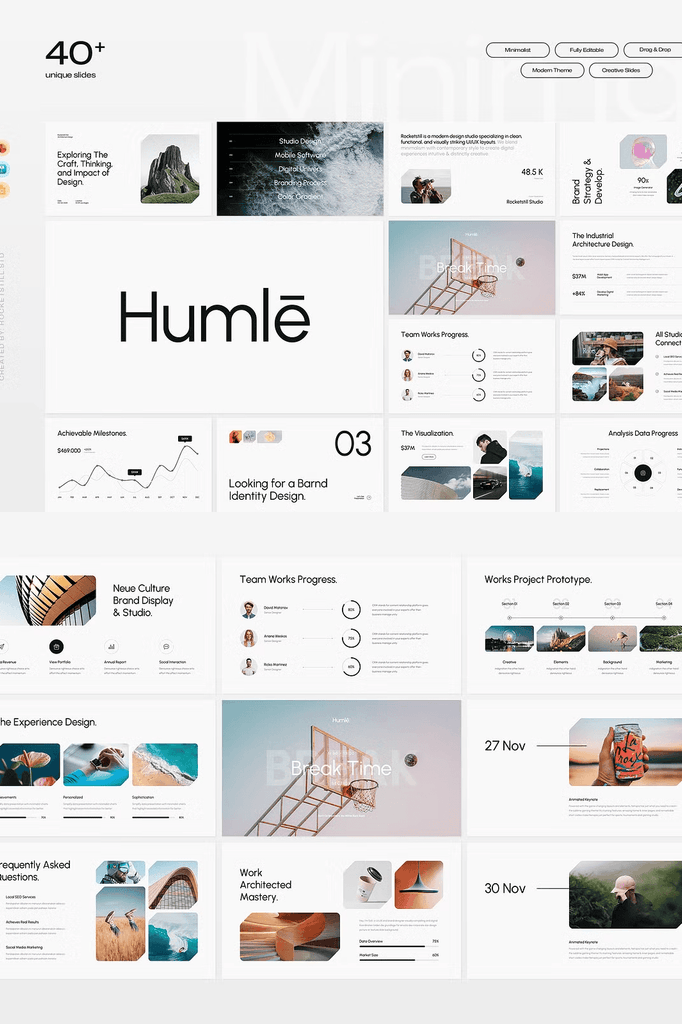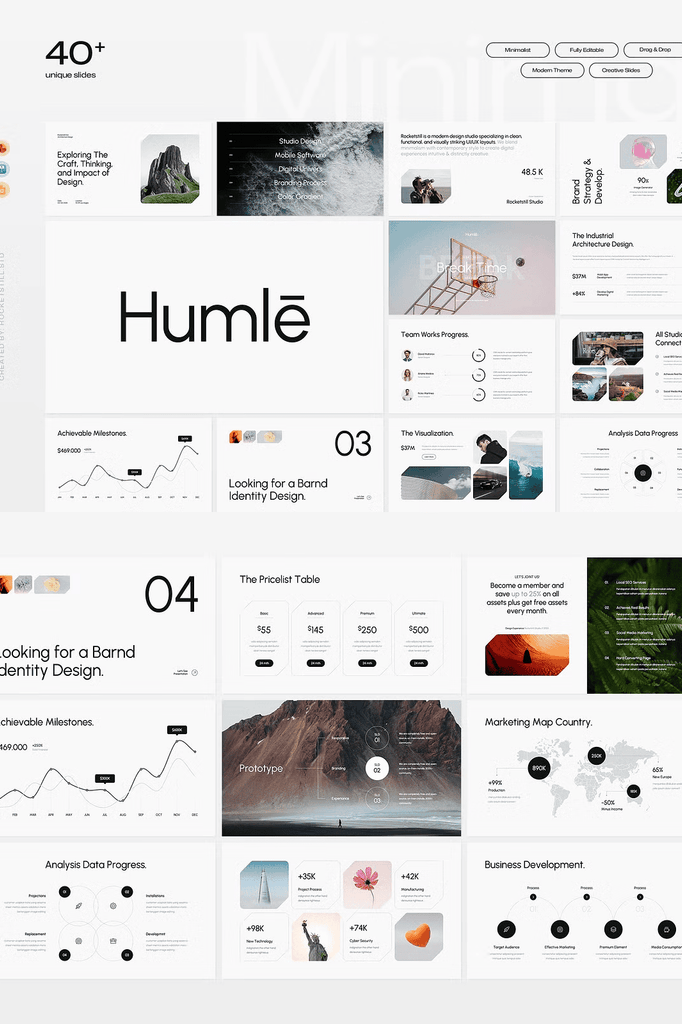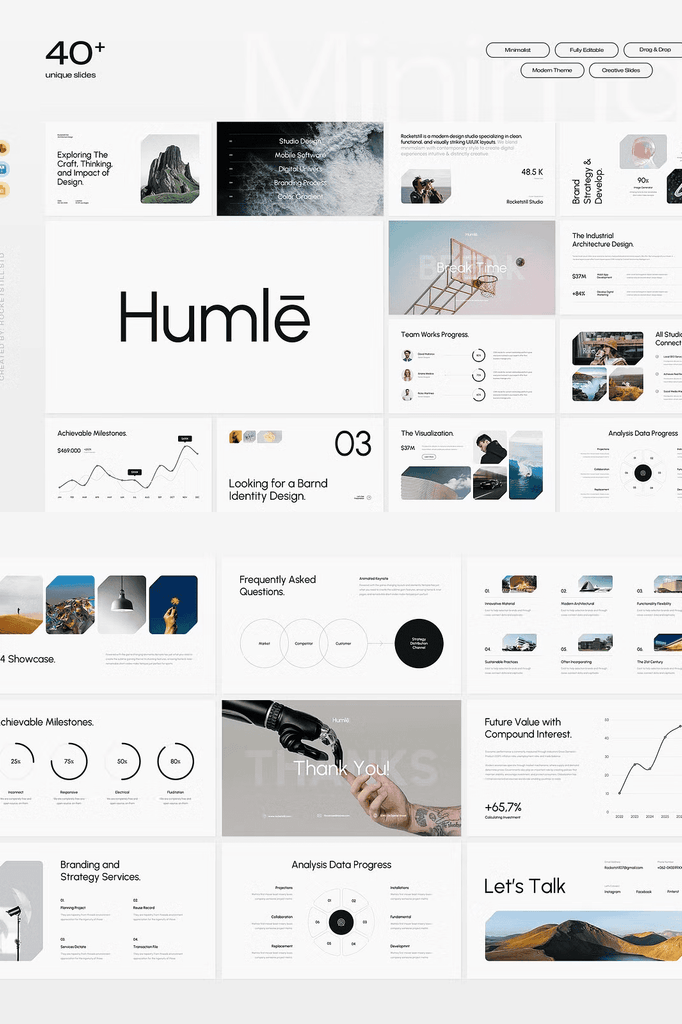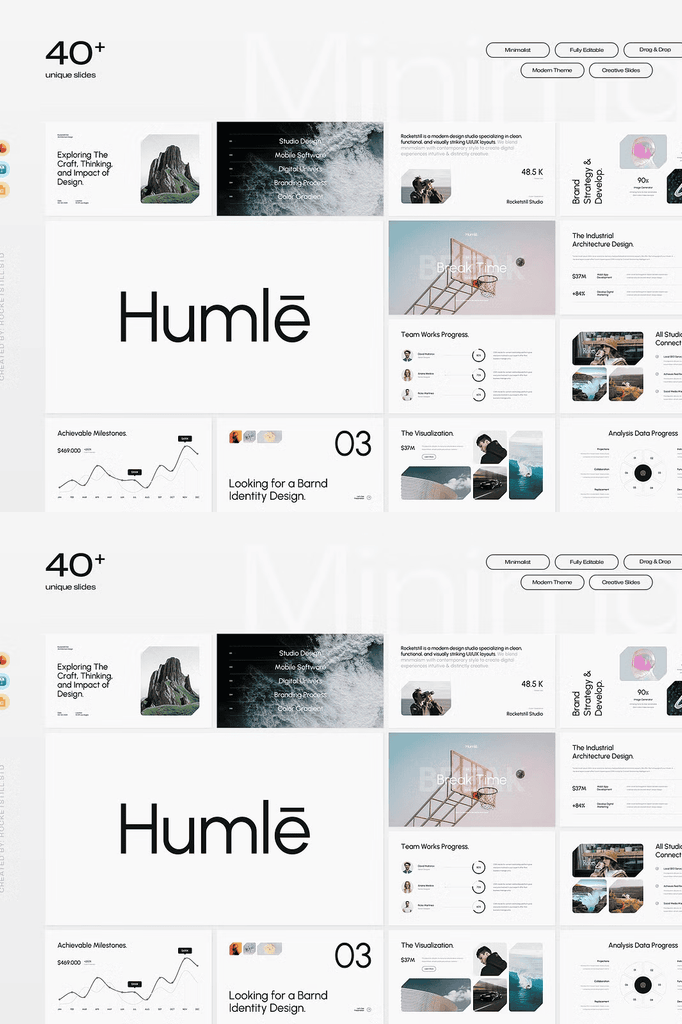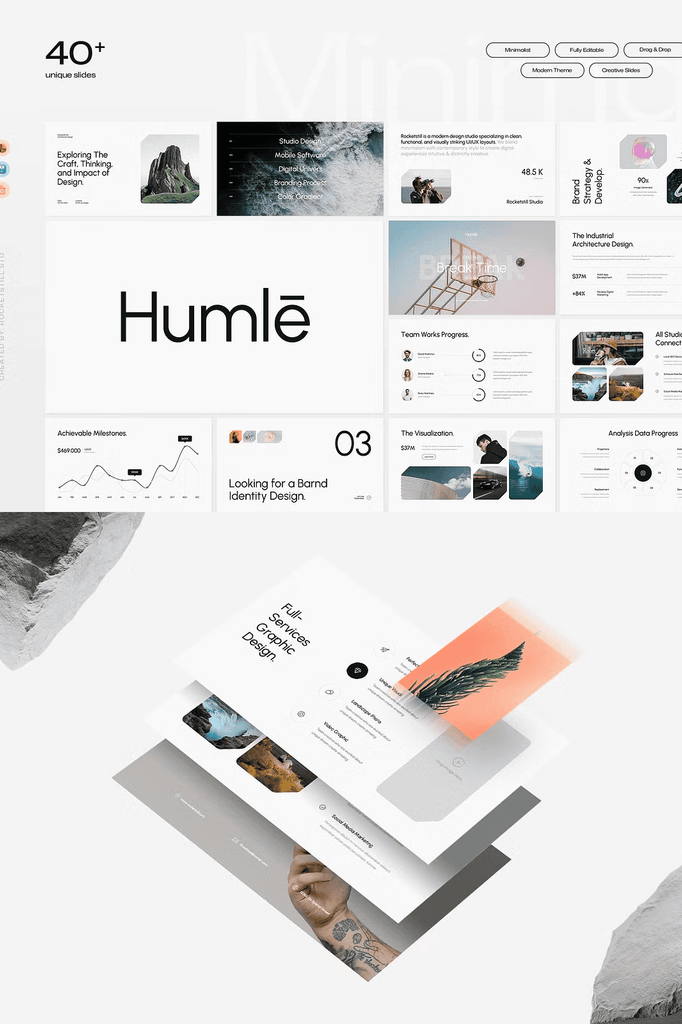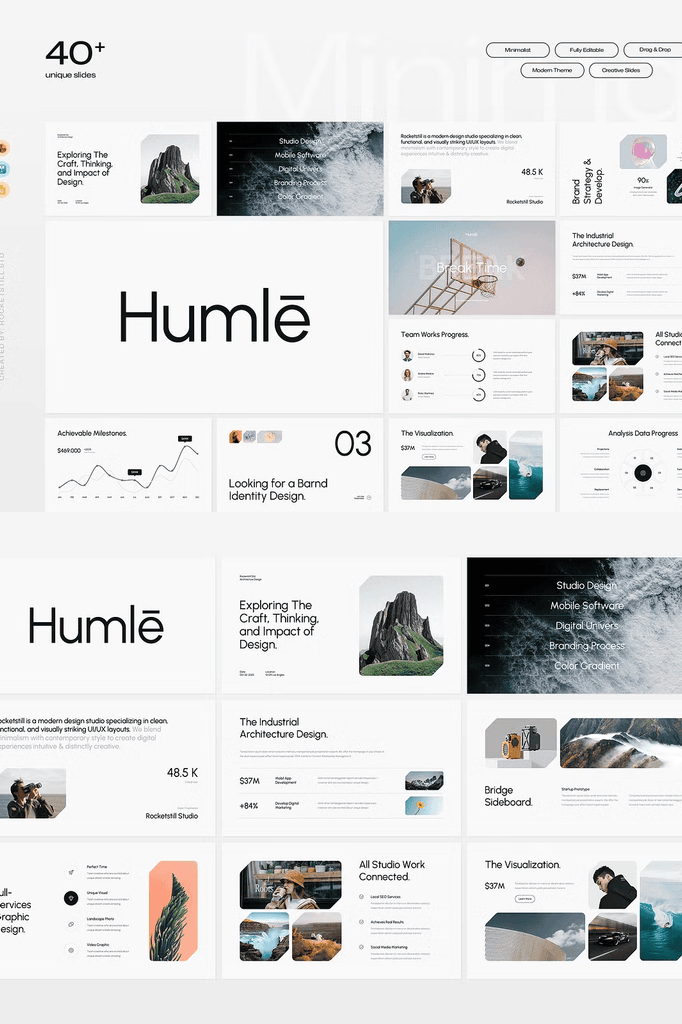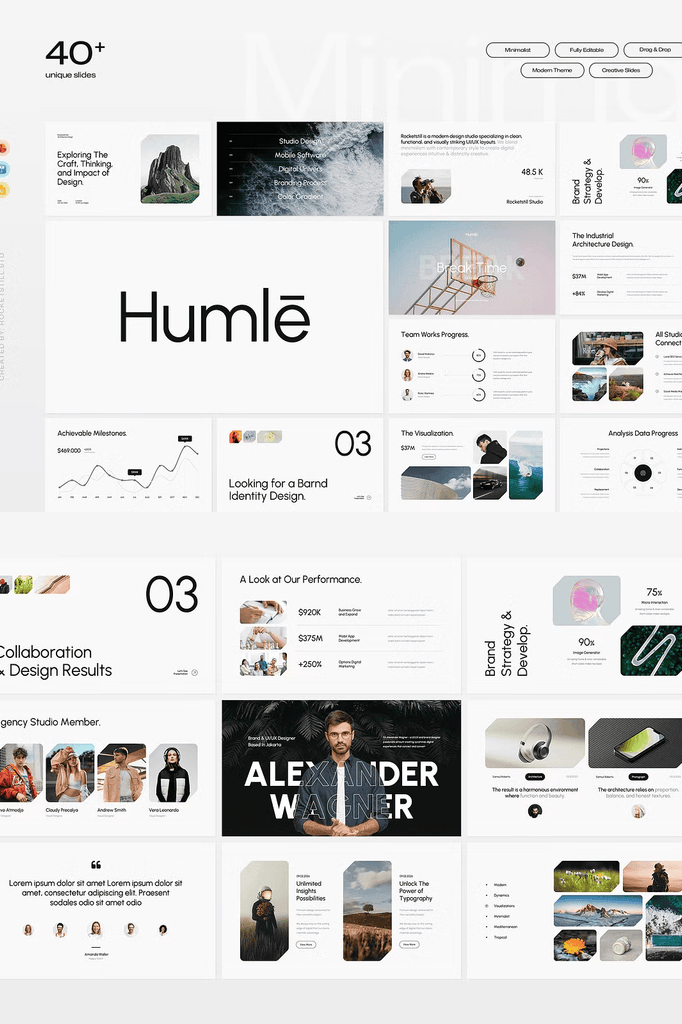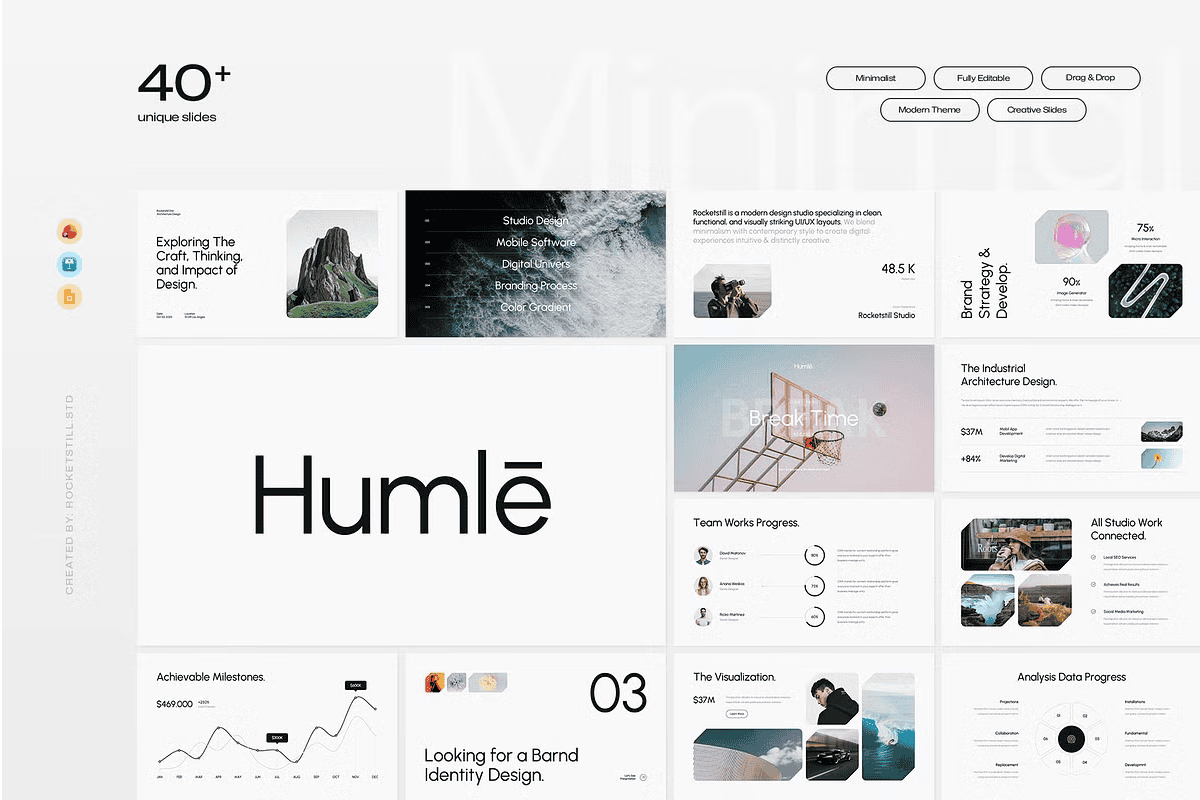
This meticulously designed template offers a sleek and professional aesthetic, perfect for captivating any audience. The design embodies a minimalist and modern approach, focusing on clarity and impact.
Clean layouts, contemporary typography, and strategic use of white space ensure your information is presented in an easily digestible and visually appealing manner.
Why Minimalist Presentation Templates Work
Minimalist design removes visual clutter and focuses attention on your content. Clean layouts and strategic white space make complex information easy to digest. As a result, your presentations feel polished and professional.
Moreover, contemporary typography and balanced composition guide the viewer’s eye. In addition, the uncluttered aesthetic keeps your message front and center. Consequently, your audience stays engaged from the first slide to the last.
Key Features of the Humle Template
- Full screen and responsive design
- All elements built as vector shapes
- Master slide option for easy editing
- Drag and drop image placeholders for easy image insertion
- Ready-to-use color templates for easy color changes
- All essential functions included
Every feature supports a fast, professional workflow. The vector shapes ensure crisp visuals at any screen size. In addition, the master slide option lets you update global elements with a single change. As a result, you can customize the entire deck in minutes.
What Is Inside the Package
- Template with master slide
- Icon set
- Map country set
- PDF product quick guide with documentation
Every component works together to create a complete presentation toolkit. The icon set and map collection add visual variety to your slides. In addition, the PDF documentation walks you through the editing process step by step. Consequently, you can start building your presentation immediately.
Perfect Uses for This Presentation Template
- Business presentations and pitch decks
- Company profile and annual reports
- Marketing strategy presentations
- Project proposals and timelines
- Investor and stakeholder meetings
- Sales presentations and product demos
- Corporate training sessions
- Conference and event talks
- Educational presentations and lectures
- Team updates and internal reports
Whether you present to clients, investors, or internal teams, this template adapts to your needs. Furthermore, the clean, professional aesthetic suits corporate, creative, and educational settings alike.
Why Master Slides and Vector Elements Add Extra Value
Master slides control the global design of every slide in a presentation. When you change a font, color, or logo position on the master, every slide updates automatically. As a result, you can rebrand an entire deck in minutes rather than hours.
In addition, the resizable vector elements ensure crisp visuals at any screen size or projection scale. Consequently, your presentation looks professional in every setting.
How to Use the Humle Presentation Template
Start by opening the template in your presentation software. Next, replace the placeholder text with your content. Then swap in your own images using the drag and drop placeholders.
After that, adjust colors using the ready-to-use color templates to match your brand identity. Because the master slide controls global elements, changes apply consistently across every page. Finally, export your finished deck and present it with confidence.
Download the Humle Presentation Template Today
This template combines a sleek minimalist aesthetic, vector shapes, master slides, and drag and drop images in one comprehensive package. It gives professionals, agencies, and businesses everything needed to build stunning presentations.
Download the Humle Presentation Template today and start creating sleek, professional presentations that captivate your audience, communicate your message with clarity, and elevate your brand.