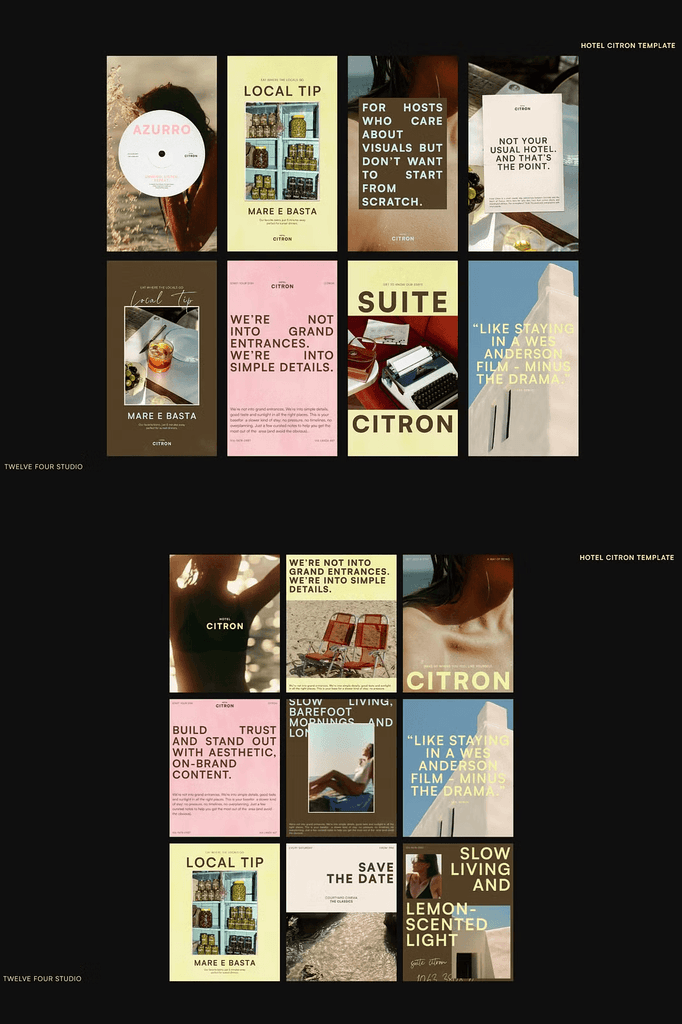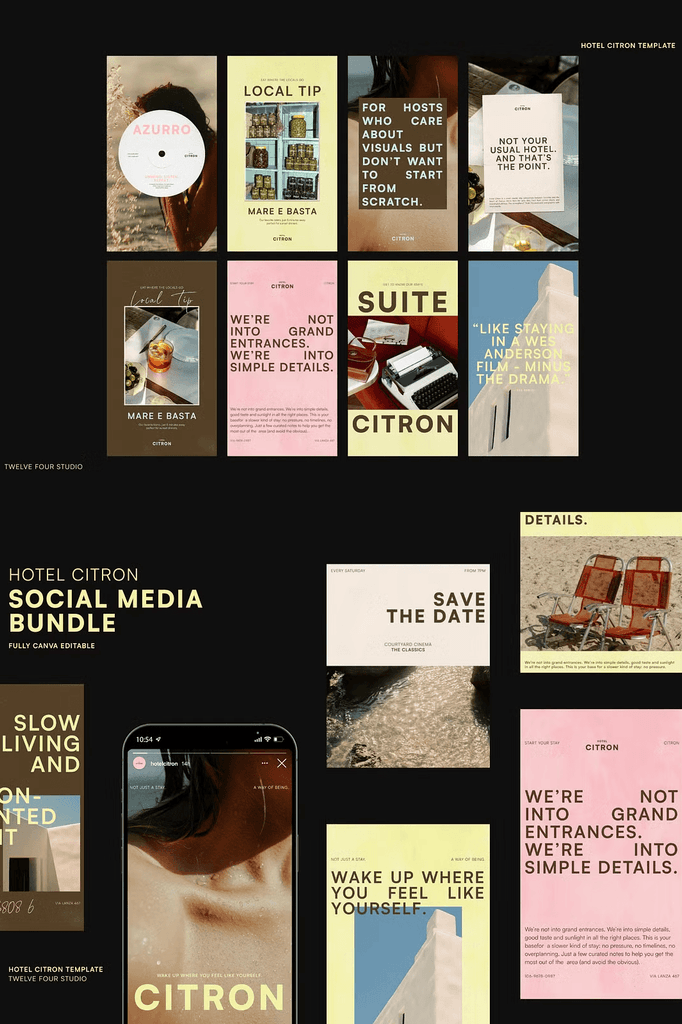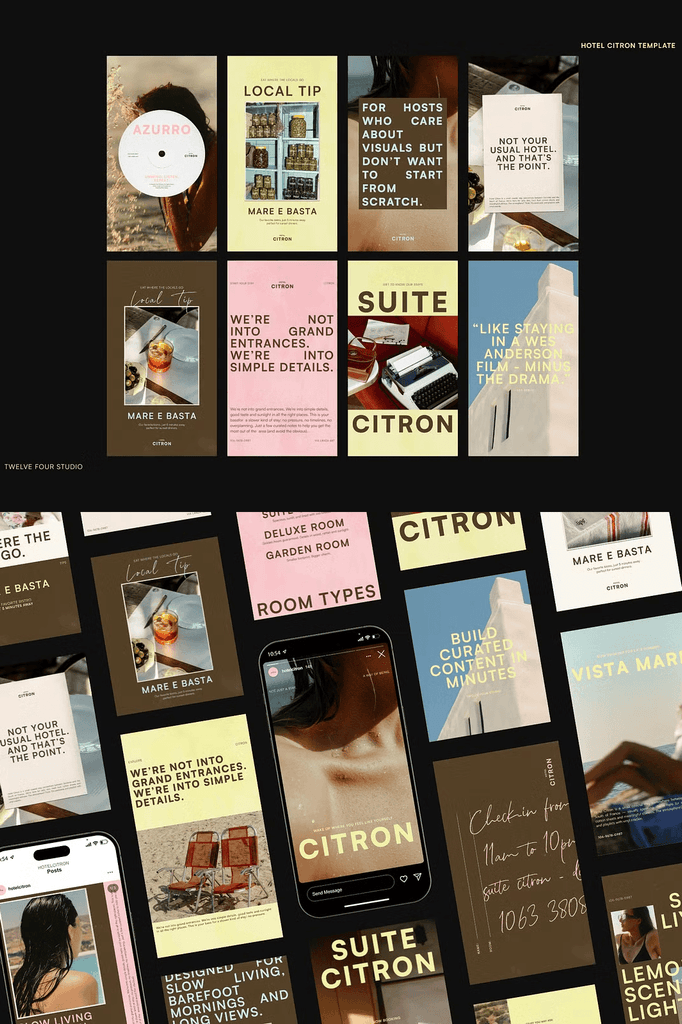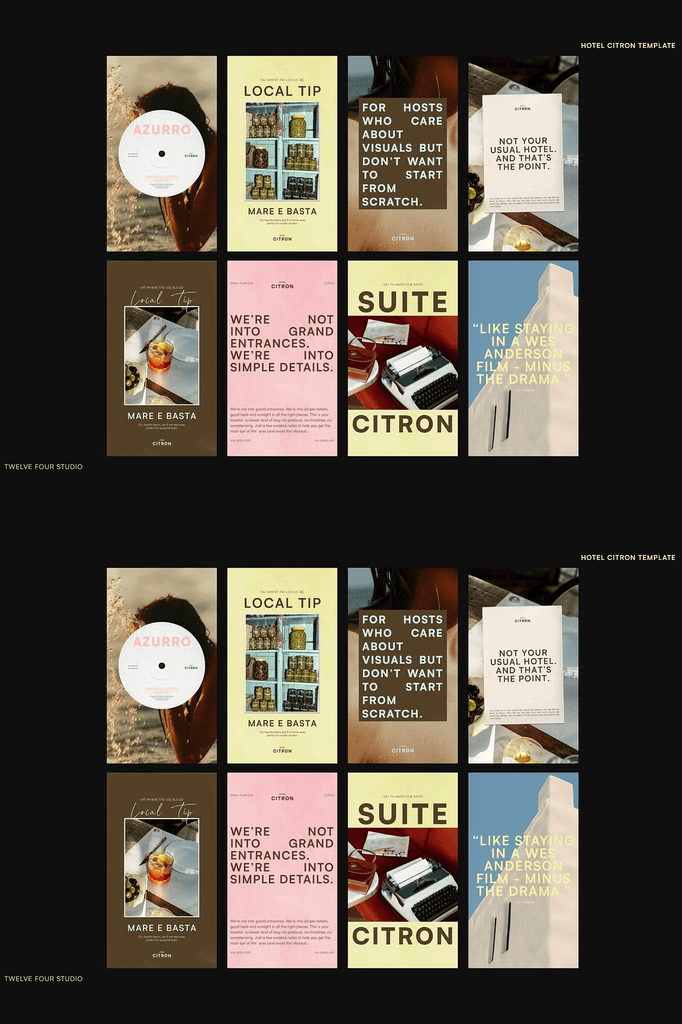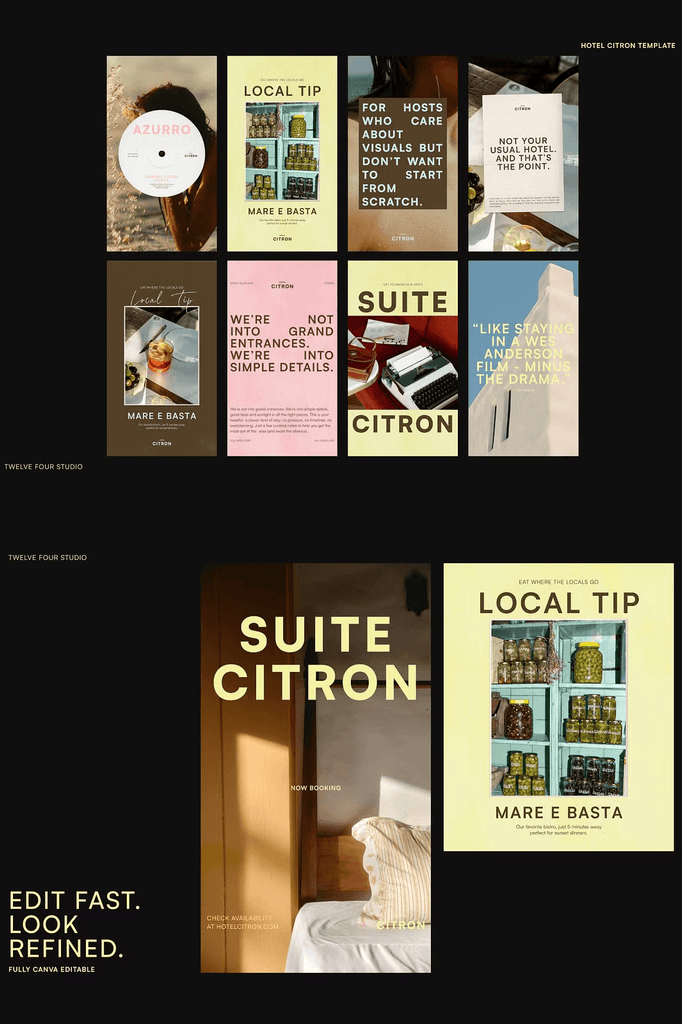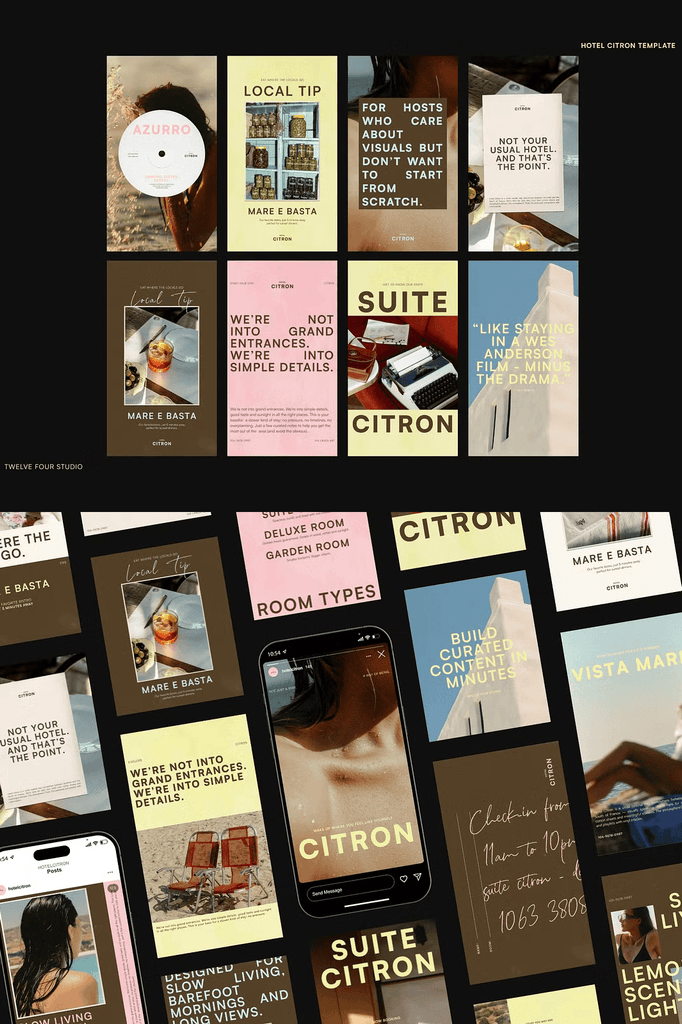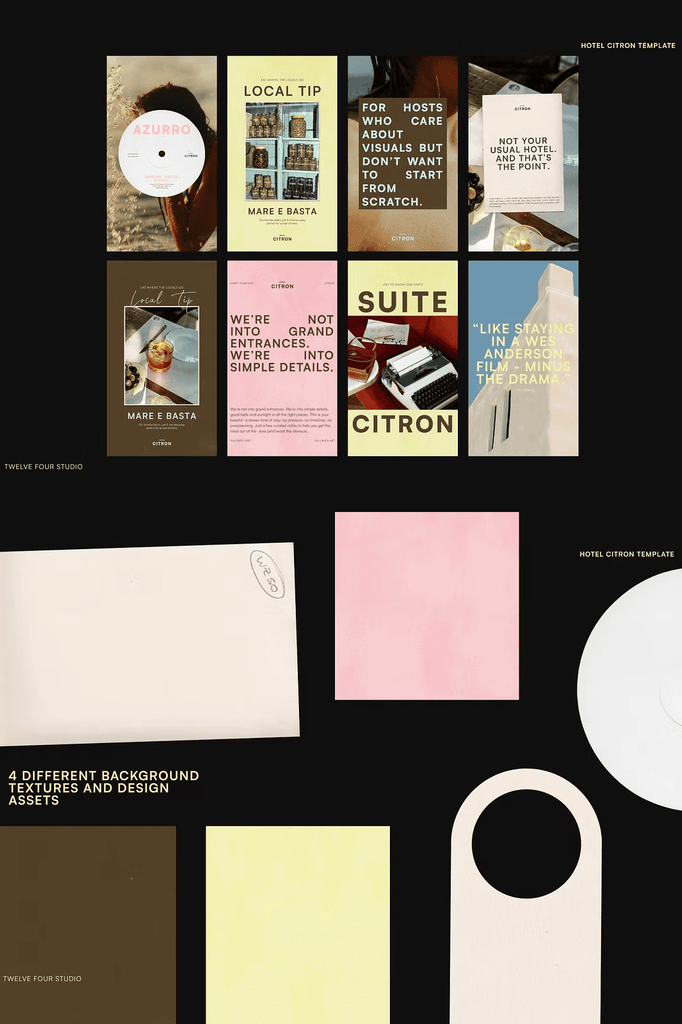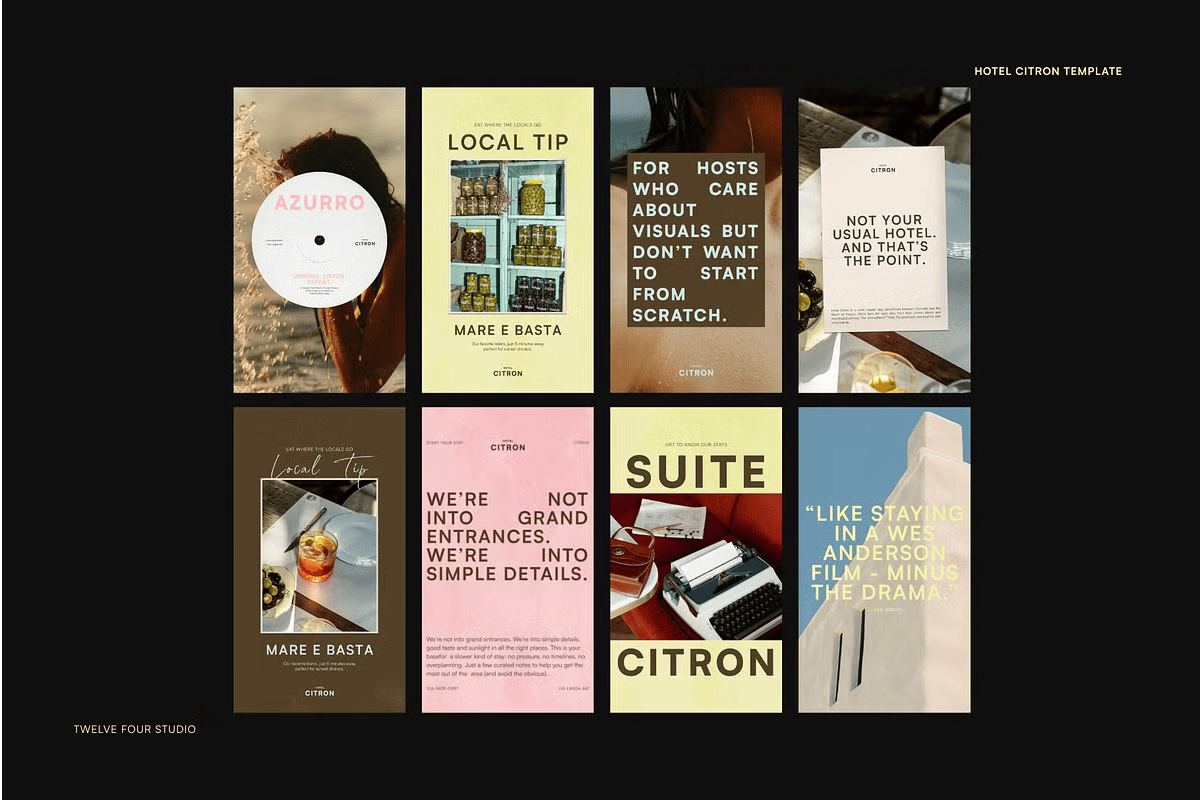
Hotel Citron is a social stories and feed kit for curated content that feels like your stay: aesthetic, warm, and easy to edit. Whether you run a boutique hotel, a creative guesthouse, or a thoughtfully styled Airbnb, this kit was designed to help you show up online with clarity and charm.
With 60 or more Canva templates for Instagram Stories and Feed, this tool makes it easy to create content that feels cohesive, branded, and visually curated, even if you are not a designer.
Why Boutique Hospitality Brands Need a Content Kit
Boutique stays compete on atmosphere and attention to detail. Consistent, beautiful social media content signals care and craftsmanship to potential guests. As a result, a curated feed directly influences bookings and brand perception.
Moreover, designing every post from scratch drains time that hosts and small teams do not have. This kit removes that burden entirely. In addition, the cohesive layouts ensure your content feels intentional across every platform. Consequently, you can focus on hosting rather than designing.
What Is Included in the Hotel Citron Kit
- 30 or more Instagram Feed templates at 1080 x 1350 px
- 30 or more Instagram Stories templates at 1080 x 1920 px
- Fully editable in Canva with no design skills needed
- Image placeholders included, with images from Death to Stock not included
- Minimalist and stylish layouts with flexible copy prompts
Every template is optimized for its respective Instagram format. As a result, your feed and stories stay visually unified and professional.
Perfect Uses for These Hospitality Templates
- Sharing room highlights and amenities
- Local tips and neighborhood guides
- Guest quotes and testimonials
- Curated moodboards and design inspiration
- Seasonal promotions and offers
- Behind-the-scenes content
- Booking announcements and availability
- Event and experience promotions
- Guest welcome and check-in information
- Travel inspiration and destination features
Whether you manage a boutique hotel, guesthouse, or styled Airbnb, these templates help you share your story with style and ease.
Why Canva Templates Work for Hospitality Hosts
Canva removes the technical barriers of professional design software. You can edit layouts, swap images, and adjust typography using simple drag-and-drop tools. As a result, you focus on your guests rather than software complexity.
In addition, Canva works on any device with an internet connection. Consequently, you can update your social media from anywhere, even between check-ins.
Why Minimalist Design Suits Boutique Stays
Minimalist layouts let your property’s character and photography take center stage. Clean typography and generous white space create a sense of calm and sophistication. As a result, your content feels premium and inviting.
Moreover, the flexible copy prompts make it easy to adapt each template to your unique voice. Consequently, your feed feels personal while maintaining visual consistency.
How to Use the Hotel Citron Kit
Start by opening your chosen template in Canva. Next, replace the placeholder text with your property details, local tips, and guest quotes. Then swap in your own photography of rooms, amenities, and surroundings.
After that, adjust colors and fonts to match your brand identity. Because everything remains editable, you can reuse each template endlessly throughout the season. Finally, export your finished designs and publish them to Instagram.
Download the Hotel Citron Social Kit Today
This kit combines 30 or more feed templates, 30 or more story templates, and full Canva compatibility in one comprehensive package. It gives boutique hotels, guesthouses, and Airbnb hosts everything needed to build a cohesive, branded social media presence.
Download this Hotel Citron Canva social stories and feed kit today and start creating curated content that showcases your property, attracts guests, and elevates your hospitality brand.