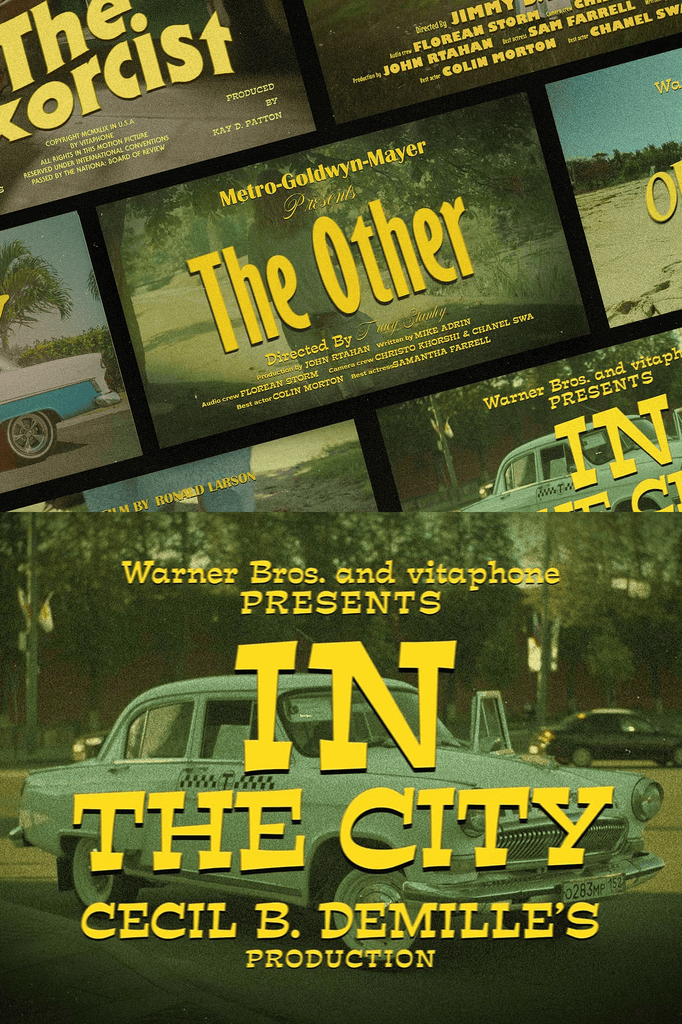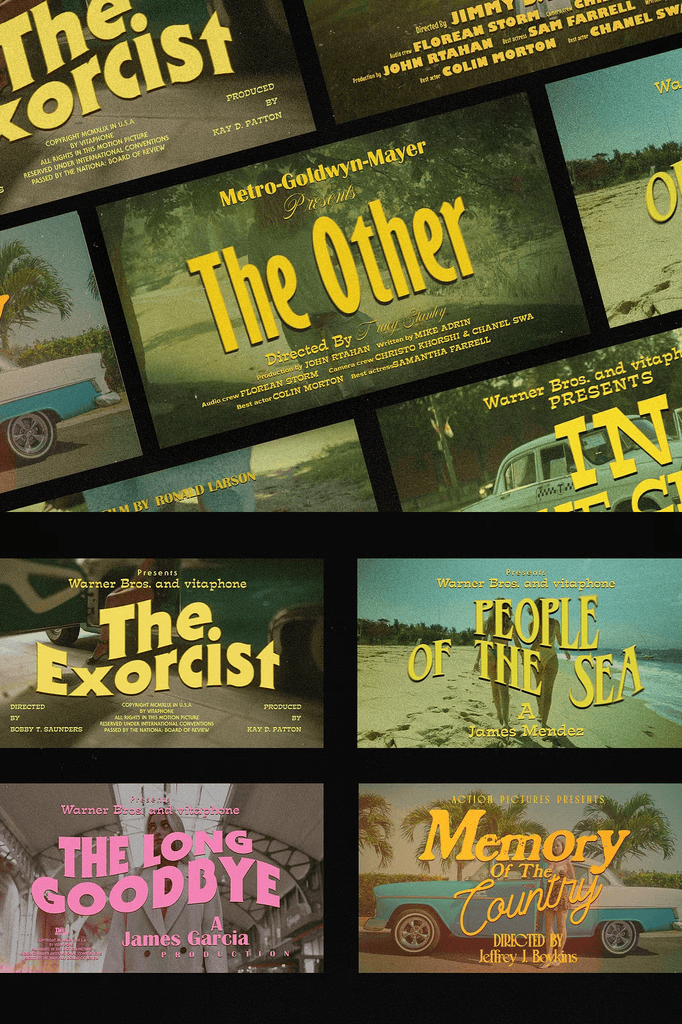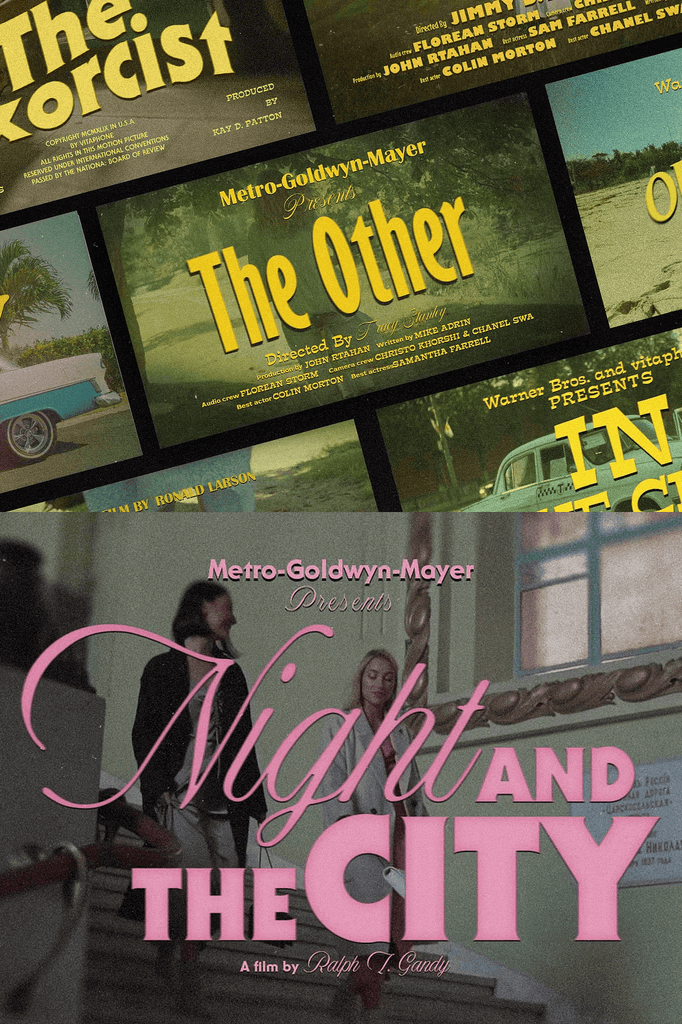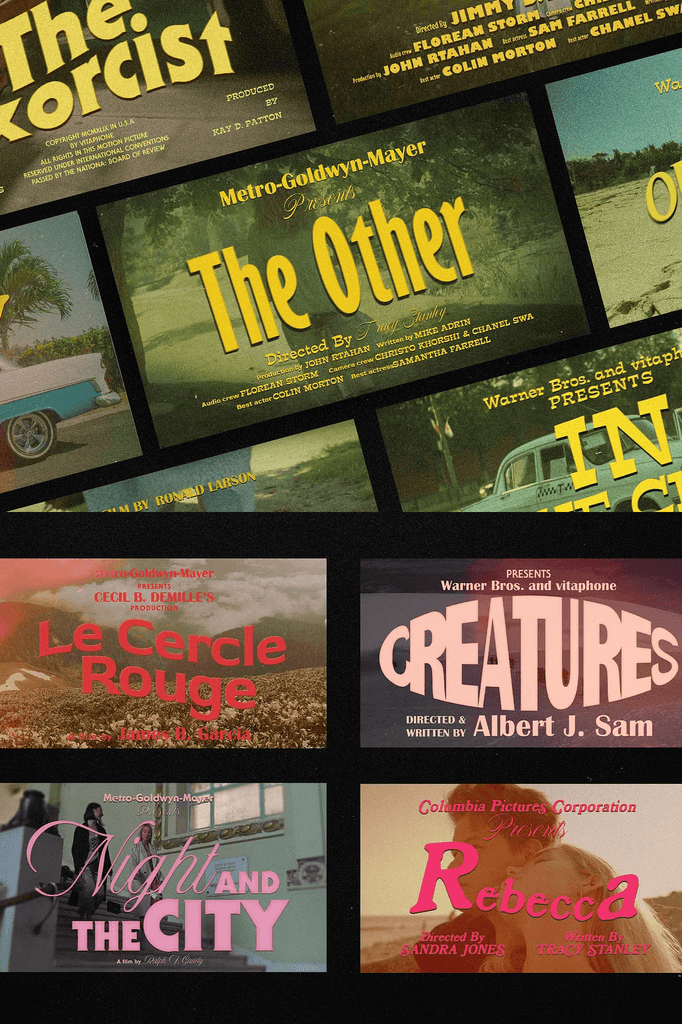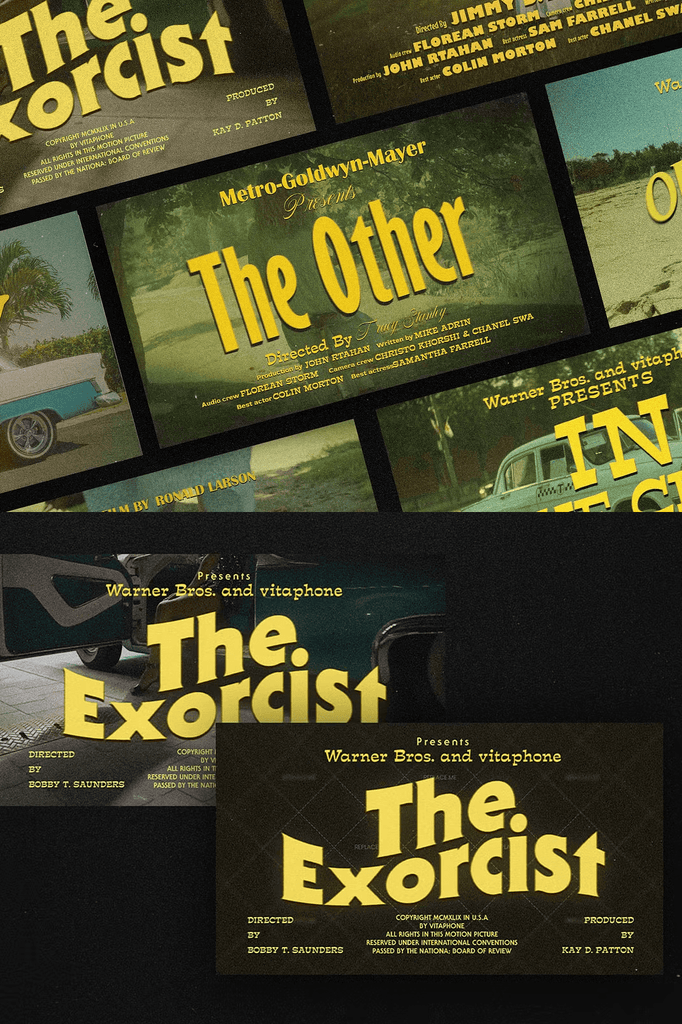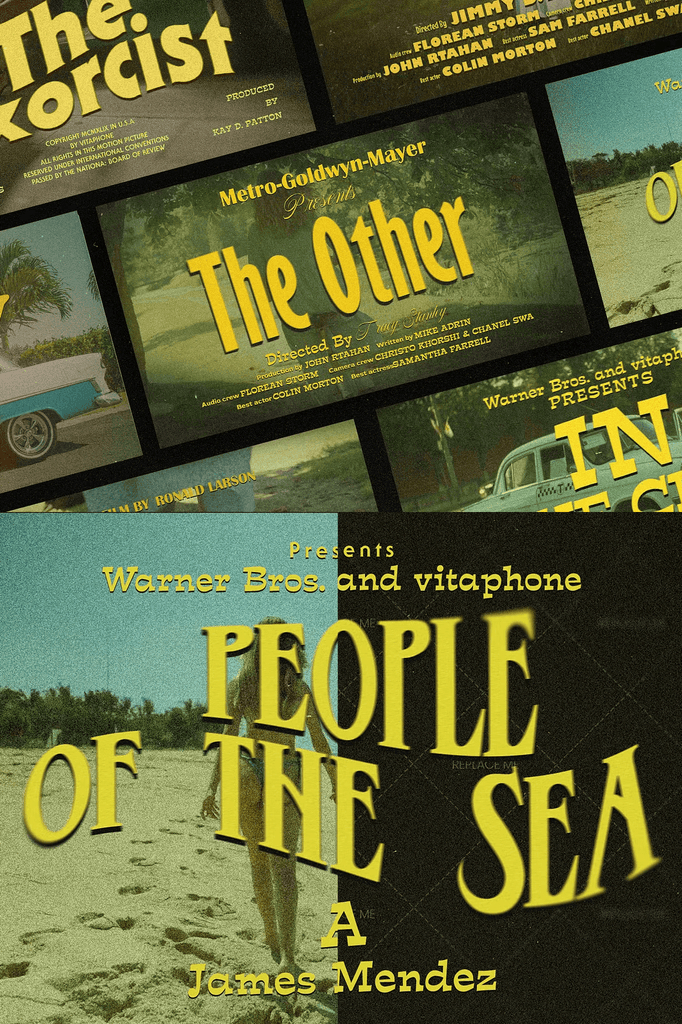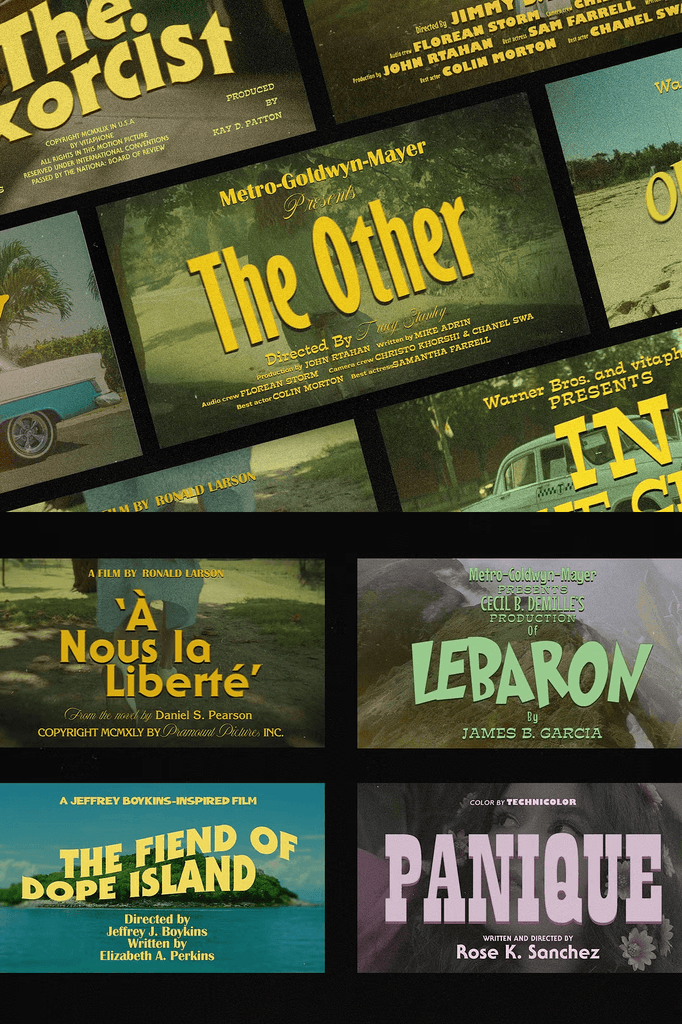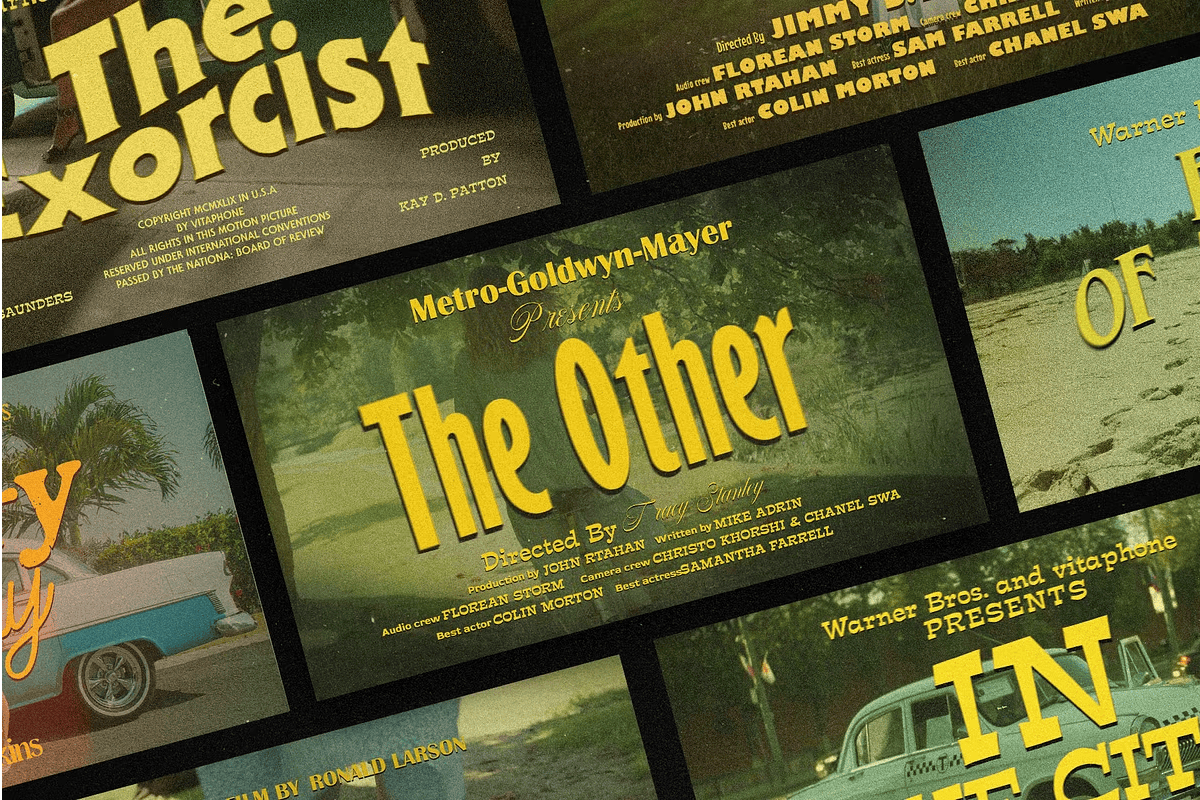
This collection delivers 5 vintage movie titles featuring cast and crew credits designed for creating trailers, film titles, blockbuster title sequences, and music videos. It includes 15 Photoshop templates in PSD format.
Whether you produce short films, music videos, or promotional trailers, these templates give your project an authentic cinematic feel.
Why Vintage Title Sequences Work for Modern Filmmaking
Vintage title sequences carry a sense of heritage and craftsmanship. They evoke classic Hollywood glamour and the golden age of cinema. As a result, your project feels more polished and professionally produced.
Moreover, the scrolling cast and crew credits format remains a powerful storytelling device. In addition, the vintage aesthetic suits period pieces, indie films, and retro-inspired music videos. Consequently, one template pack supports an enormous range of creative projects.
What Is Included in This Package
- 15 Photoshop templates in PSD format
- Smart layers for efficient editing
- Images, text, shapes, and backgrounds on separate layers
- PDF file for guide and font links
- Image links included in the PDF file
- Easy customization
Every template is designed for graphic designers and motion designers. The smart layer structure means you can swap content quickly without rebuilding layouts. As a result, you save hours on every project.
Perfect Uses for These Vintage Movie Titles
- Film trailers and teasers
- Short film title sequences
- Blockbuster-style opening credits
- Music video credits
- Documentary title cards
- Cast and crew credit rolls
- Film festival submissions
- Indie film projects
- Promotional video content
- Portfolio and showreel intros
Whether you create for clients or produce personal projects, these templates bring cinematic polish to every composition. Furthermore, the vintage style adds character and nostalgia that modern titles often lack.
Why Separate Layers and Smart Objects Matter
Separate layers give you complete control over every element in the template. You can edit text, swap images, adjust shapes, and change backgrounds independently. As a result, customization stays fast and flexible.
In addition, smart objects preserve image quality when scaling and replacing content. Consequently, your finished titles look crisp and professional at any resolution.
How to Use the Vintage Movie Titles Templates
Start by opening the PSD files in Adobe Photoshop. Next, open the PDF guide to access font links and image resources. Then replace the placeholder text with your cast and crew names.
After that, swap in your own images and adjust colors to match your project. Because the layers remain separate, changes apply cleanly and consistently. Finally, export your finished titles for use in your editing software.
Important Note
Please note that model images and photographs are for presentation purposes and are not included in this package. You will need to supply your own imagery.
Download the Vintage Movie Titles Templates Today
This package combines 15 Photoshop templates, smart layers, separate text and shape layers, and a PDF guide in one comprehensive download. It gives filmmakers, designers, and editors everything needed to create authentic vintage title sequences.
Download these Vintage Movie Titles templates today and bring classic cinematic glamour, professional credit rolls, and authentic vintage character to your trailers, film titles, and music videos.