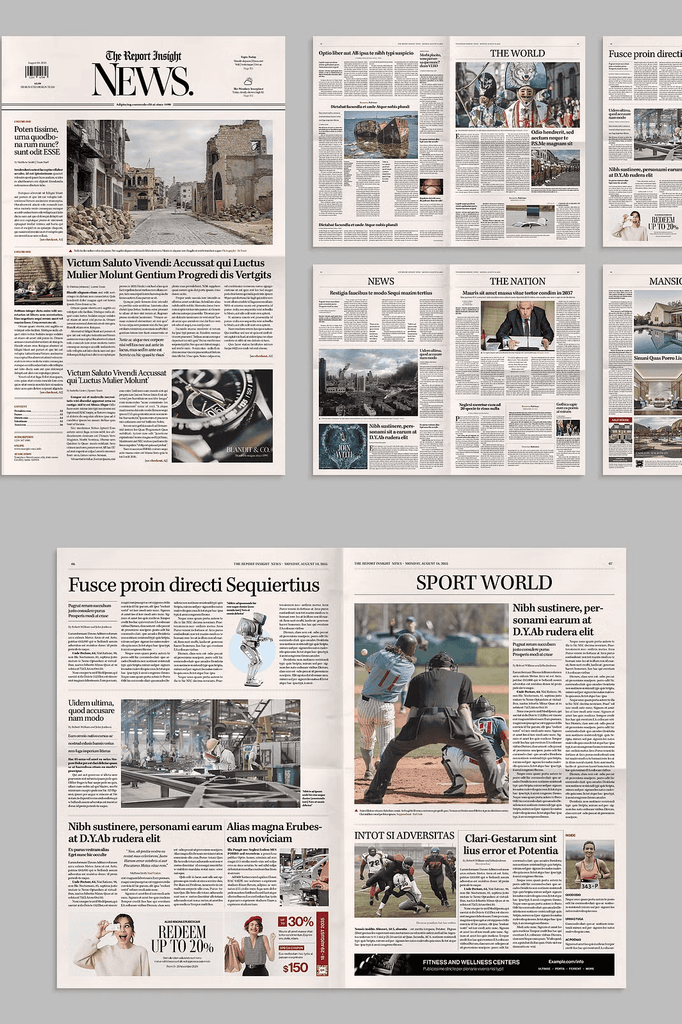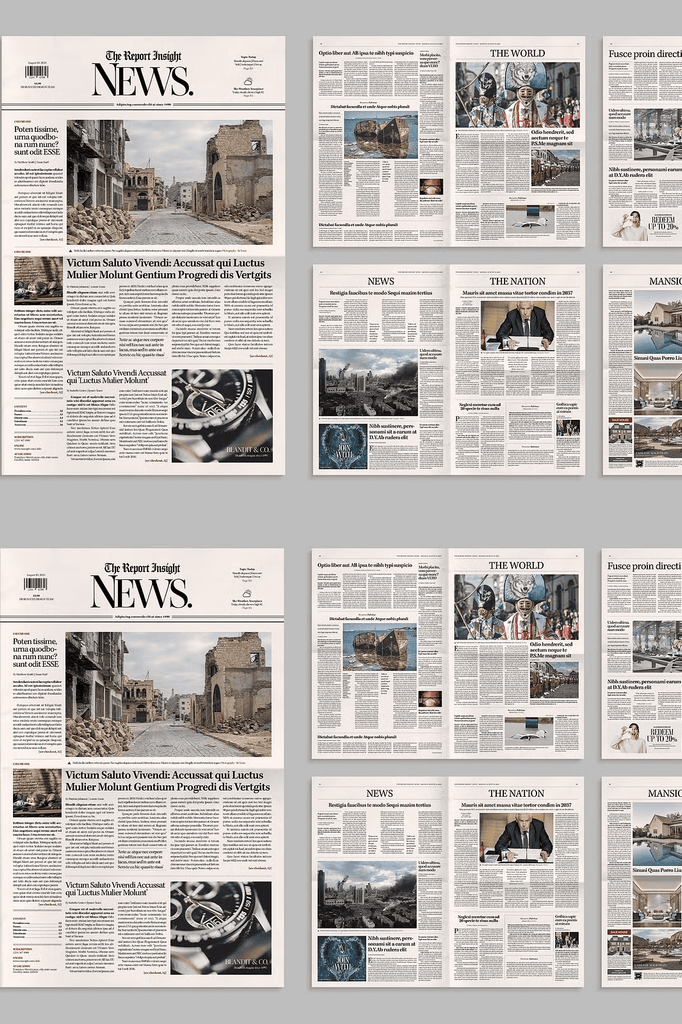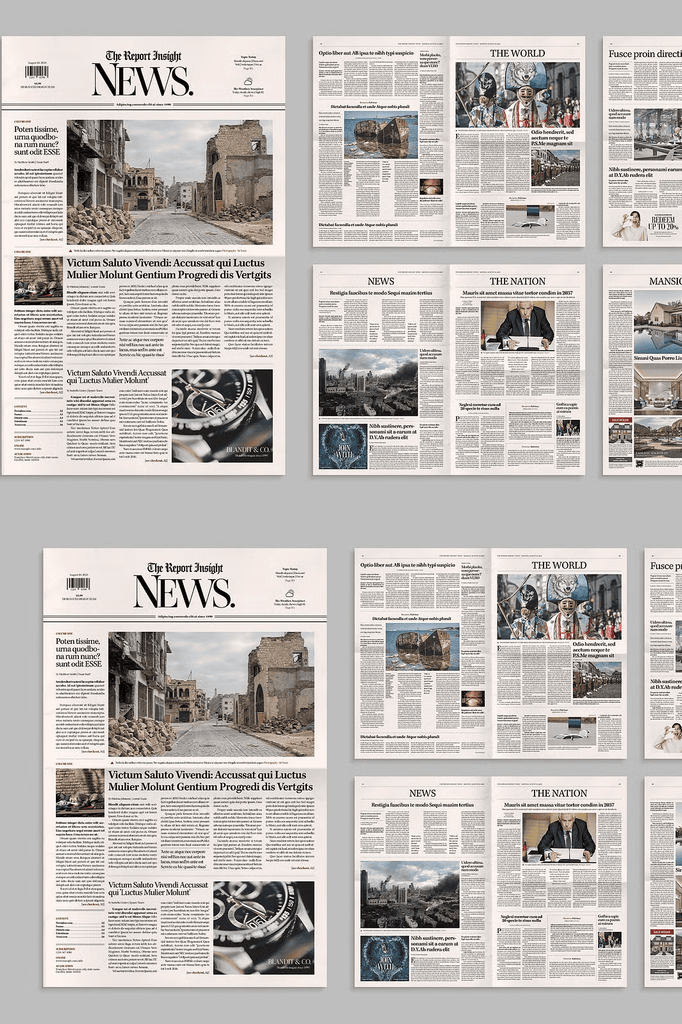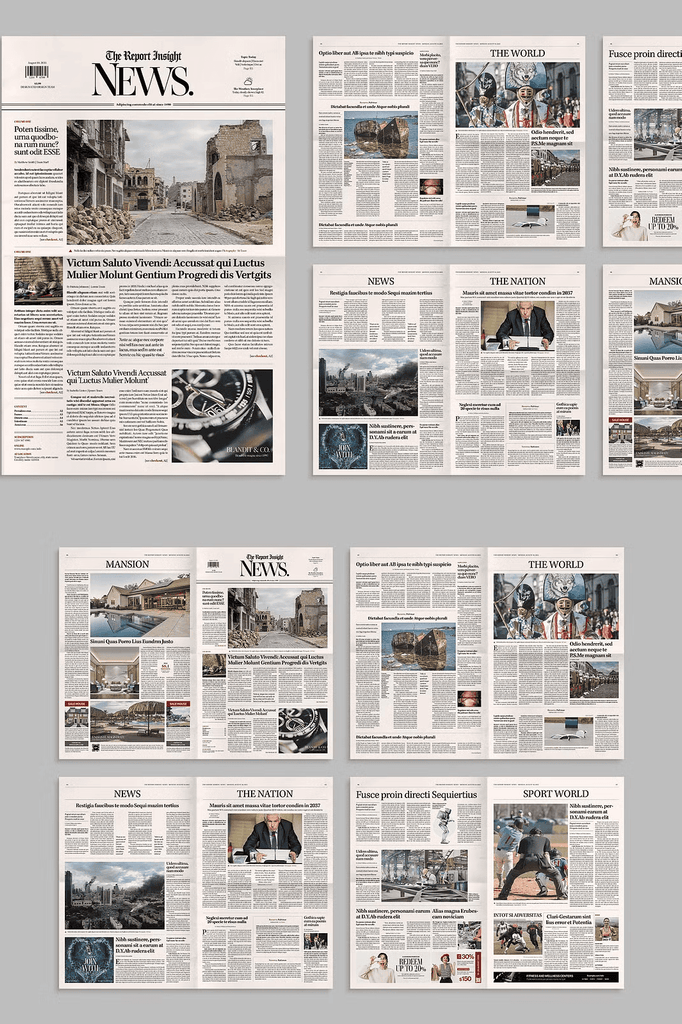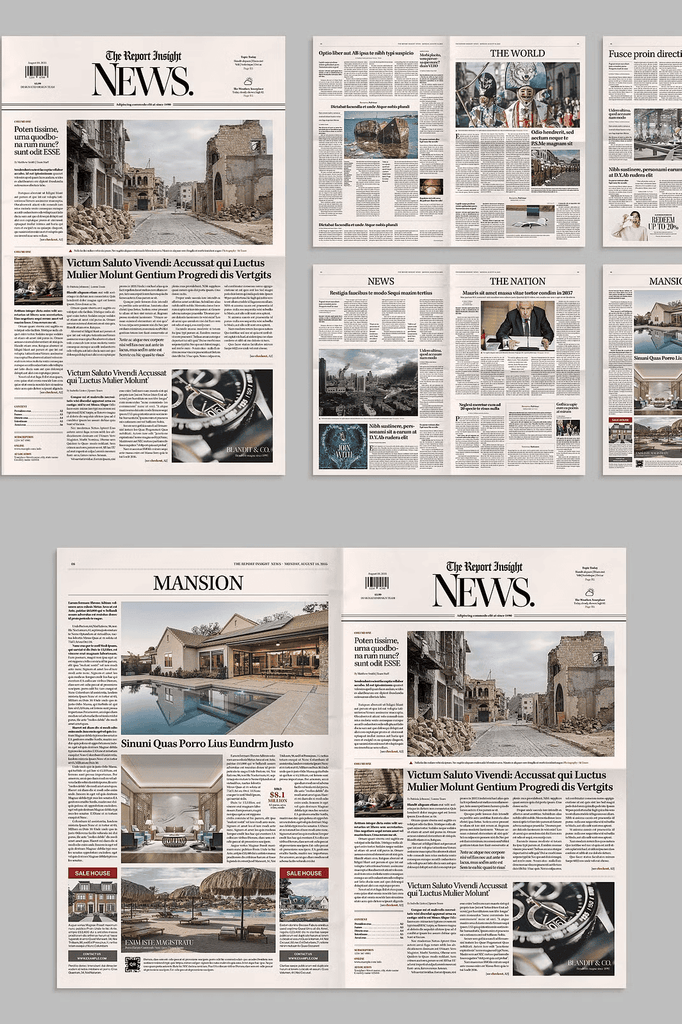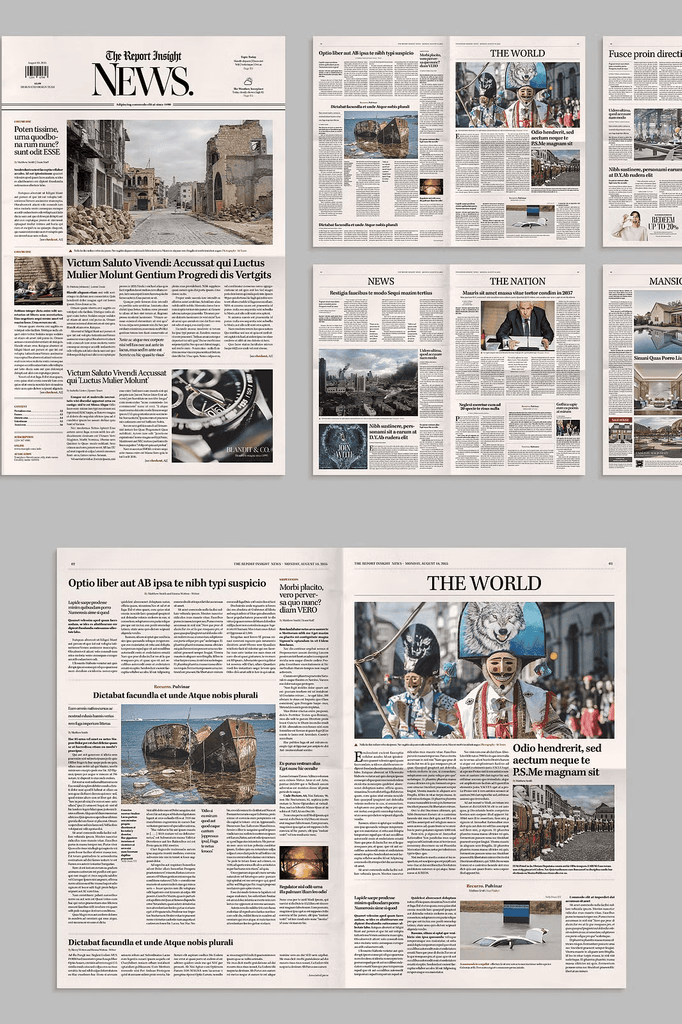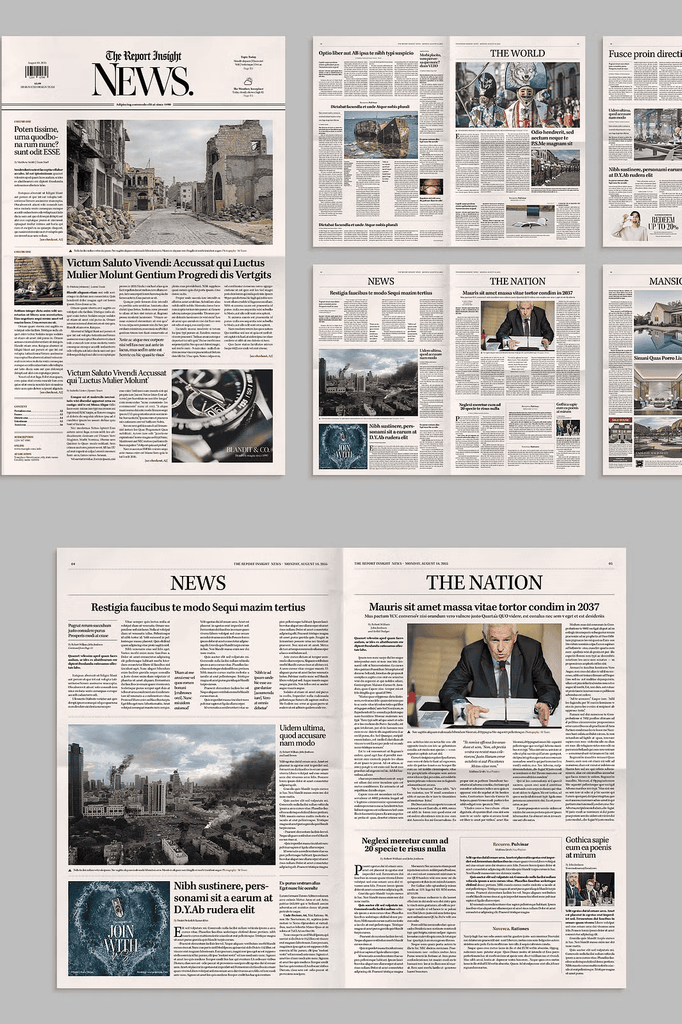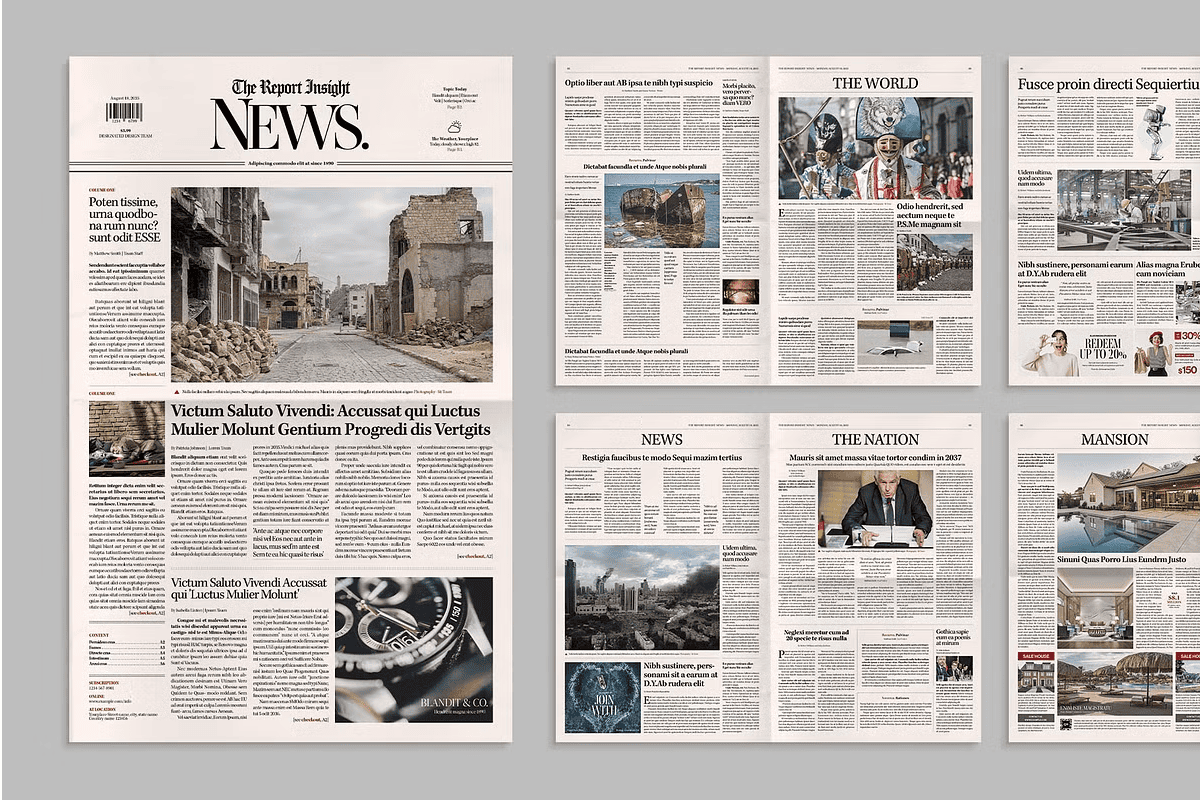
This Classic Newspaper Template is perfect for any traditional broadsheet or tabloid layout. Ideal for financial, business, and general news, it comes in an easy-to-edit InDesign INDD format.
Suitable for both print and digital publishing, it is great for newsletters, corporate communications, or school projects. Anyone who needs a professional, classic newspaper layout will find this template invaluable.
Why Newspaper Templates Matter for Professional Publishing
Newspaper layouts demand structure, hierarchy, and readability. Columns, headlines, captions, and body copy must work together seamlessly. As a result, designing from scratch takes significant time and expertise.
Moreover, classic broadsheet design carries authority and credibility. It signals serious journalism and professional communication. In addition, the structured grid system makes complex information easy to navigate. Consequently, this template suits anyone who needs polished editorial layouts fast.
Item Specifications
- Includes InDesign INDD files
- Final printed size: Tabloid 11 x 17 inches
- Color space: CMYK for print-ready output
- Easy-to-edit InDesign format
The Tabloid 11 x 17 inch size offers generous space for multi-column layouts. In addition, the CMYK color space ensures accurate print reproduction. As a result, your finished newspaper looks professional in both print and digital formats.
Required Fonts for This Template
- Neue Haas Grotesk
- Ambroise
- Carol Gothic
- Kepler
- Ivypresto Display
- Lindsey Signature
These fonts are available through Adobe Fonts. Because they are professional typefaces, your newspaper layout gains refined typographic quality. As a result, your publication looks polished and credible.
Perfect Uses for This Newspaper Template
- Traditional broadsheet and tabloid layouts
- Financial and business publications
- General news and community newspapers
- Corporate communications and newsletters
- School newspapers and student publications
- Event programs and conference materials
- Historical and vintage-inspired projects
- Portfolio pieces and design mockups
- Digital publishing and online editions
- Marketing materials with editorial style
Whether you publish a weekly newsletter or a full newspaper, this template adapts to your needs. Furthermore, the classic aesthetic suits both contemporary and vintage-inspired projects.
Why Adobe InDesign Remains the Industry Standard
InDesign offers precise control over typography, grids, and multi-page layouts. These features make it the preferred tool for professional publishing. As a result, designers can build complex documents with efficiency and accuracy.
In addition, InDesign supports master pages, paragraph styles, and layered documents. Consequently, editing and updating the template is fast and consistent across every page.
How to Use the Classic Newspaper Template
Start by opening the INDD file in Adobe InDesign. Next, replace the placeholder text with your own articles and headlines. Then swap in your photography and graphics.
After that, adjust colors and typography to match your publication’s style guide. Because the template uses structured layouts and master pages, changes apply consistently across every page. Finally, export your finished newspaper as a print-ready PDF or digital file.
Important Note
This item comes in InDesign INDD format. Please note that stock photos are used for demonstration purposes only and are not included in the final download.
Download the Classic Newspaper Template Today
This template combines broadsheet style layout, InDesign INDD files, Tabloid 11 x 17 inch sizing, and CMYK color space in one comprehensive package. It gives publishers, designers, and businesses everything needed to create professional newspaper layouts.
Download this Classic Newspaper Template today and bring classic editorial structure, professional typography, and print-ready precision to your newsletters, corporate communications, and publishing projects.