Works in Photoshop, Photopea, Canva & Affinity Design.
FREE SAMPLE FILE ON REQUEST
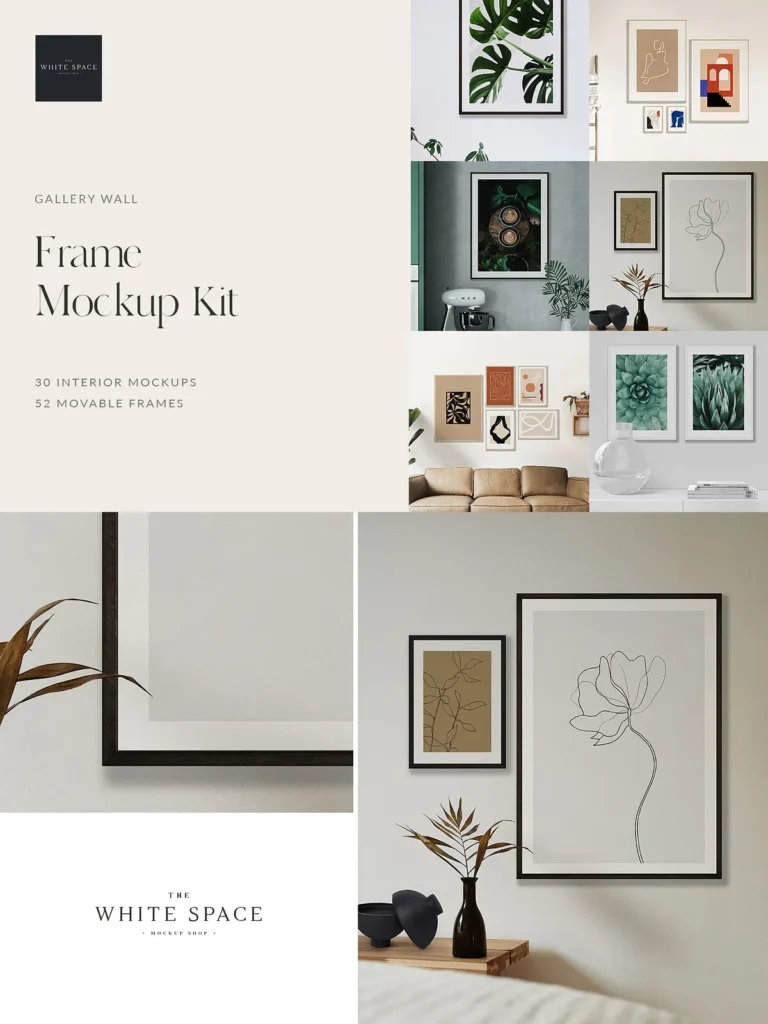
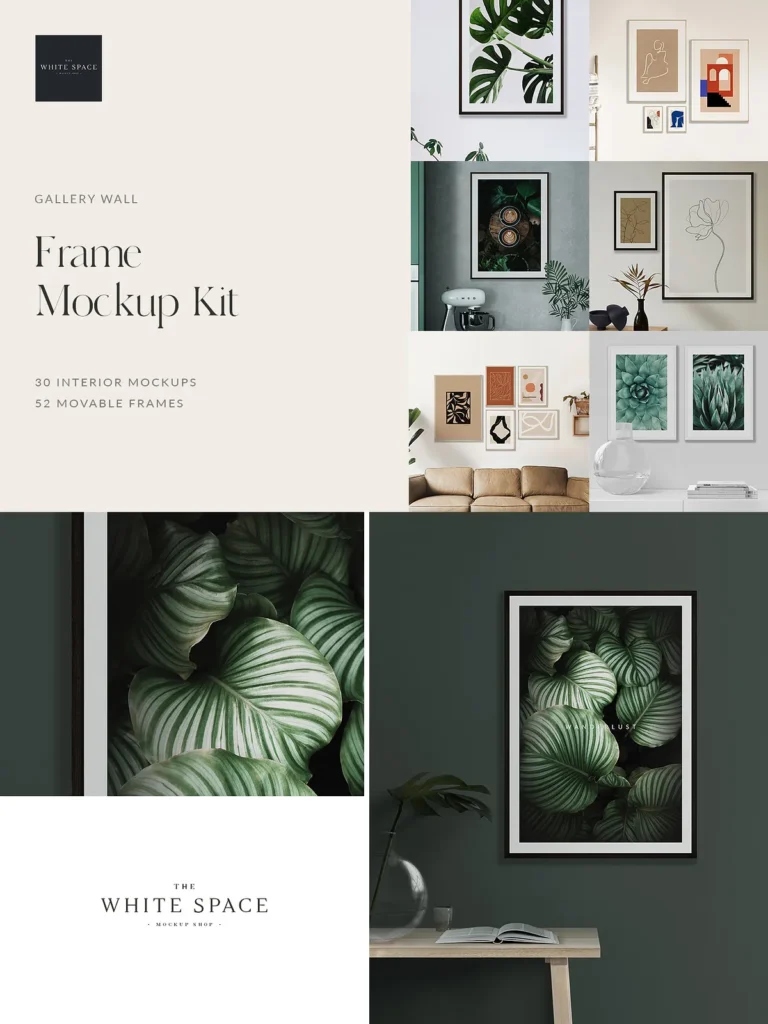
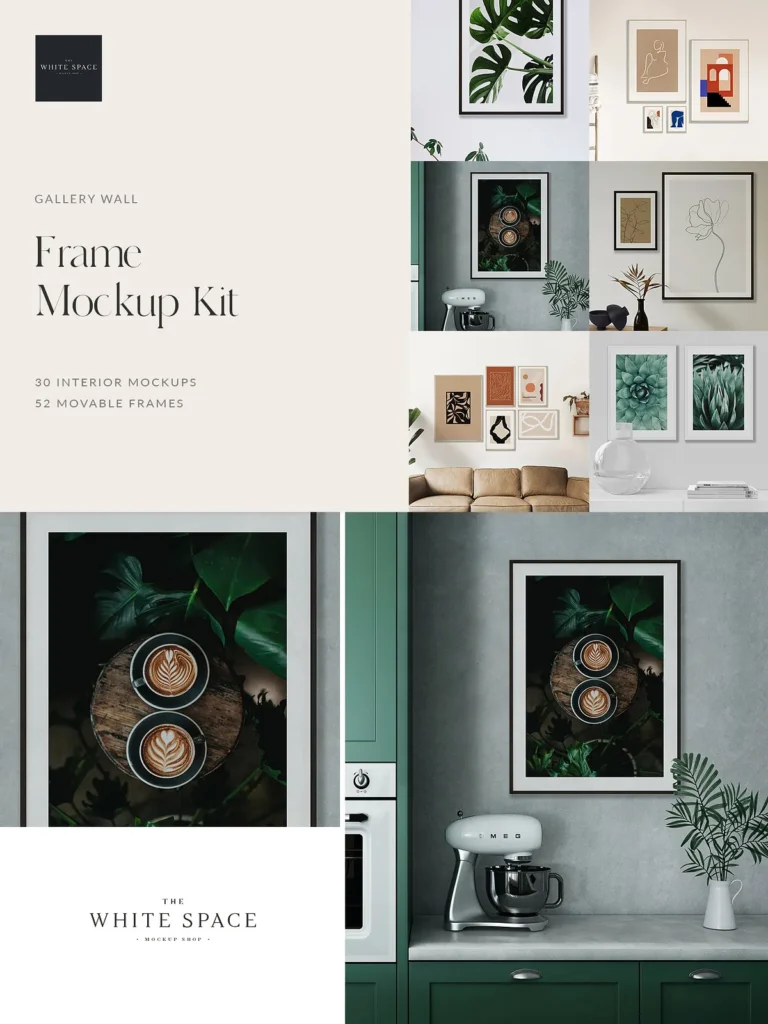
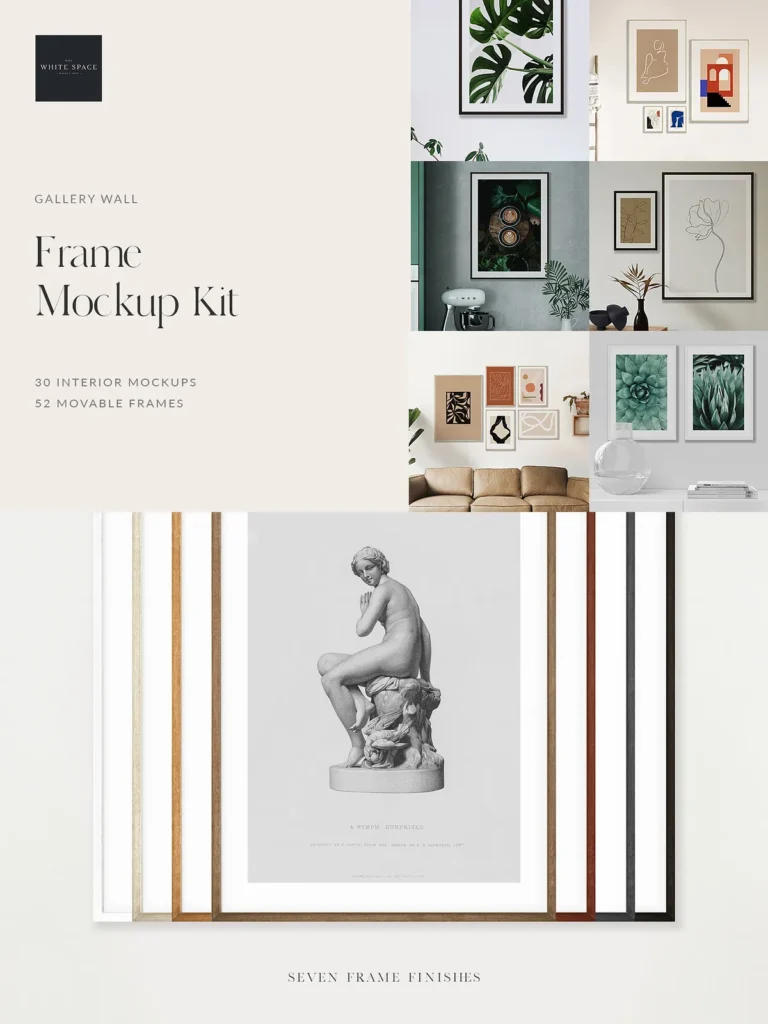
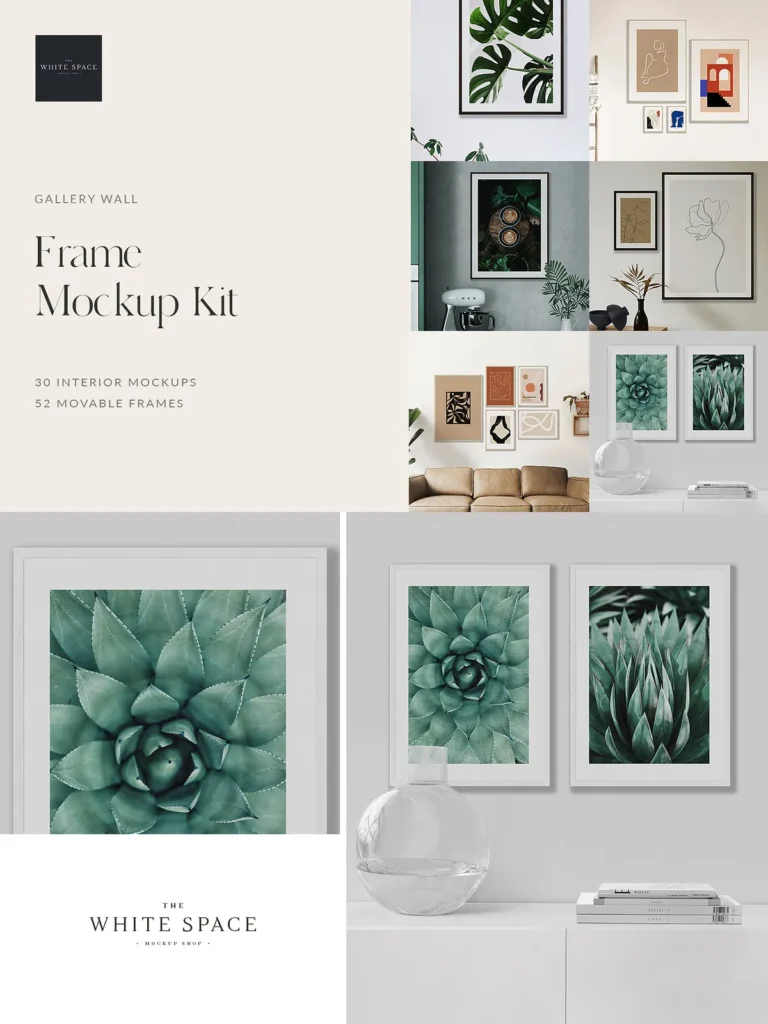
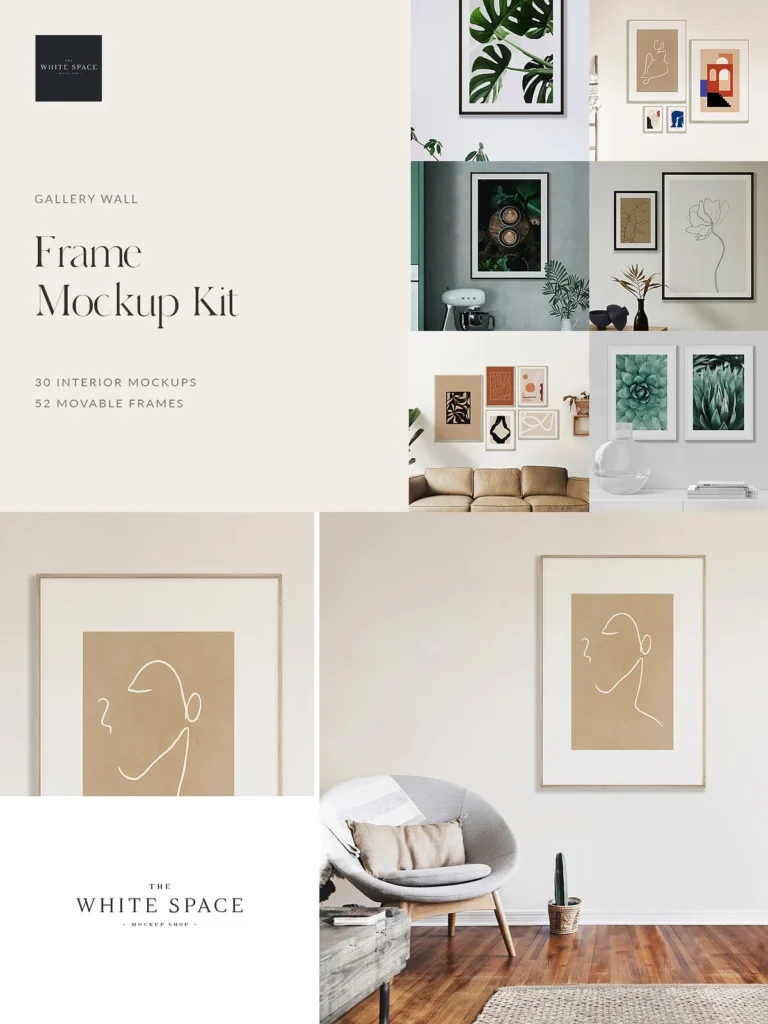
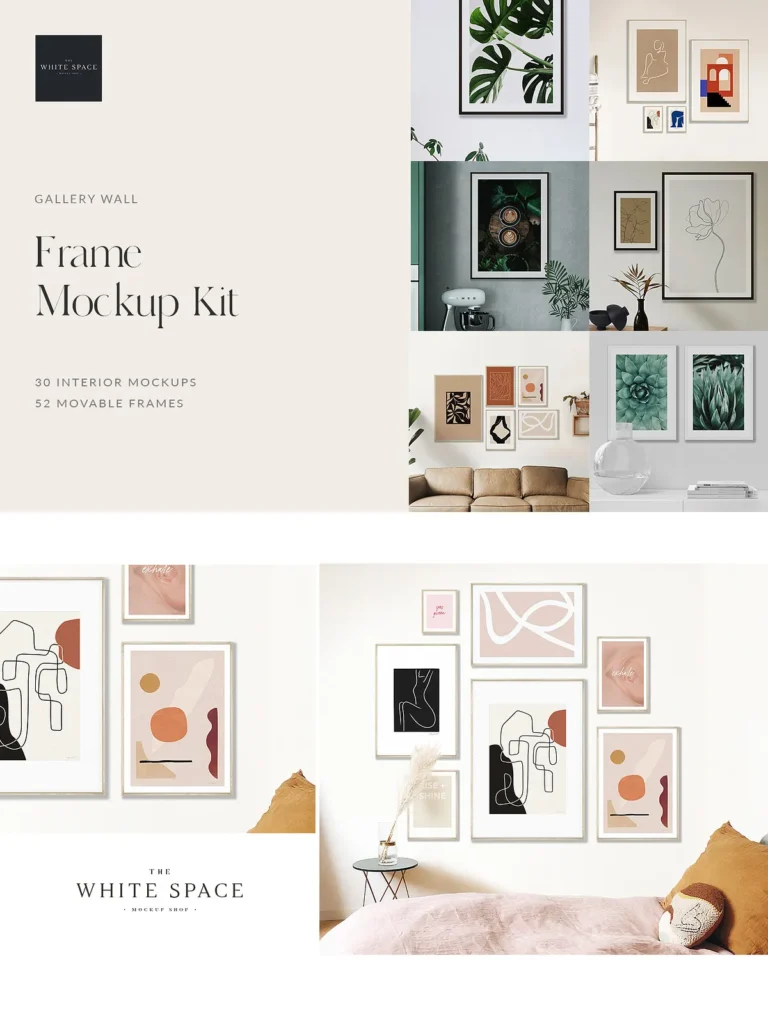
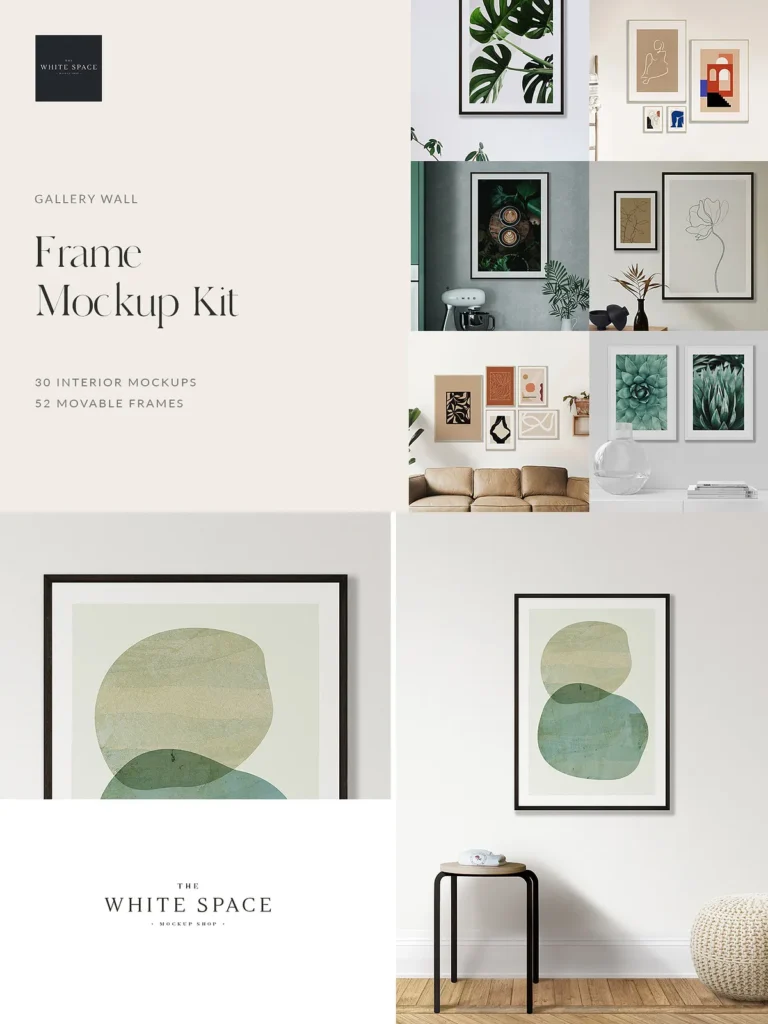
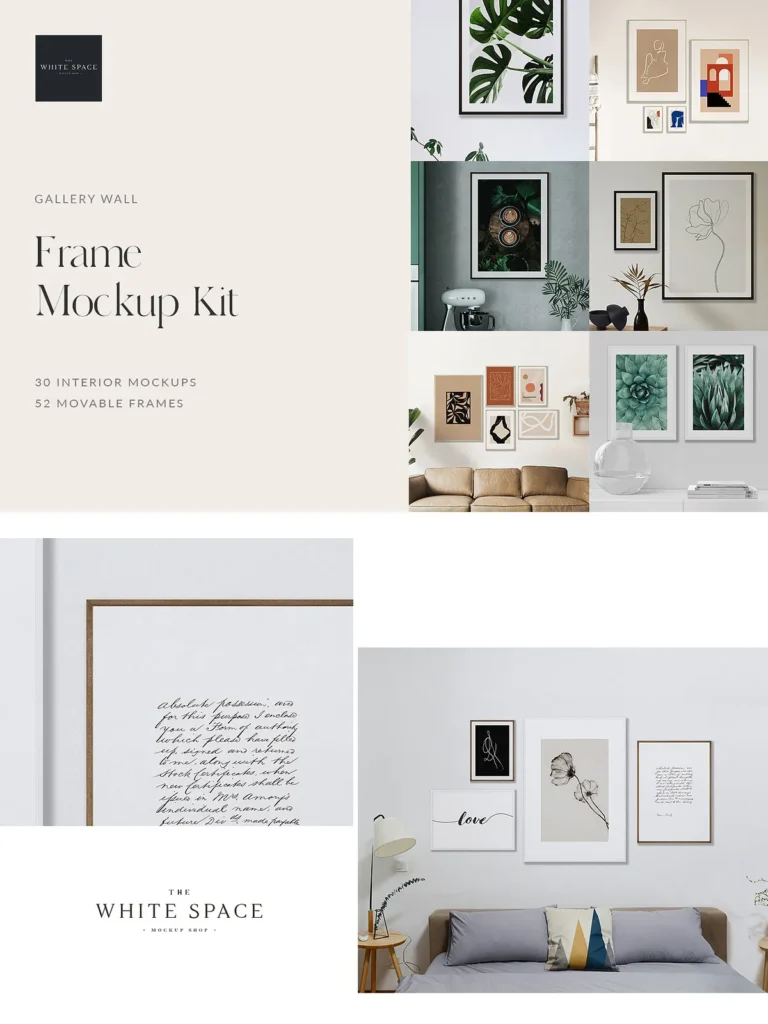
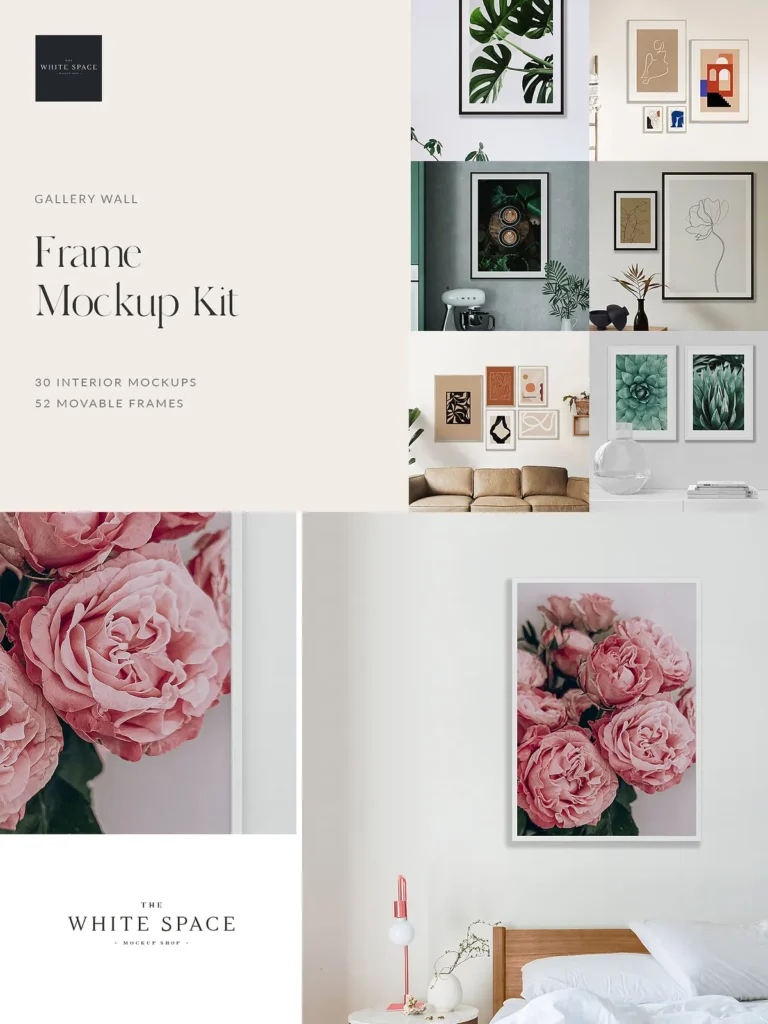
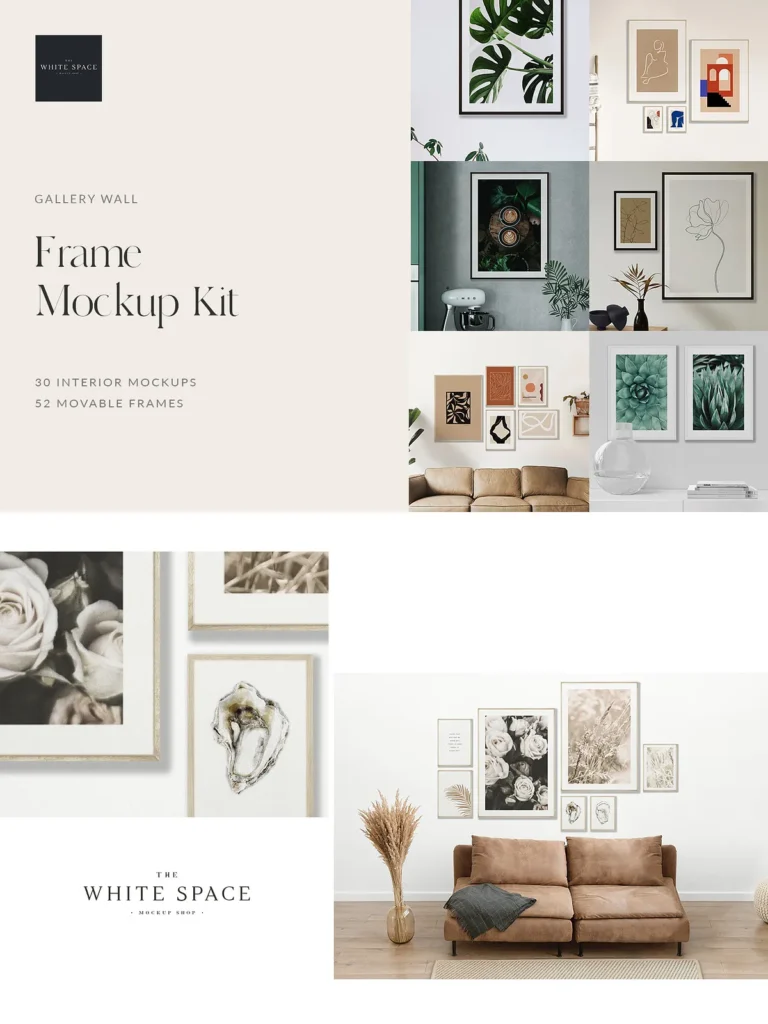
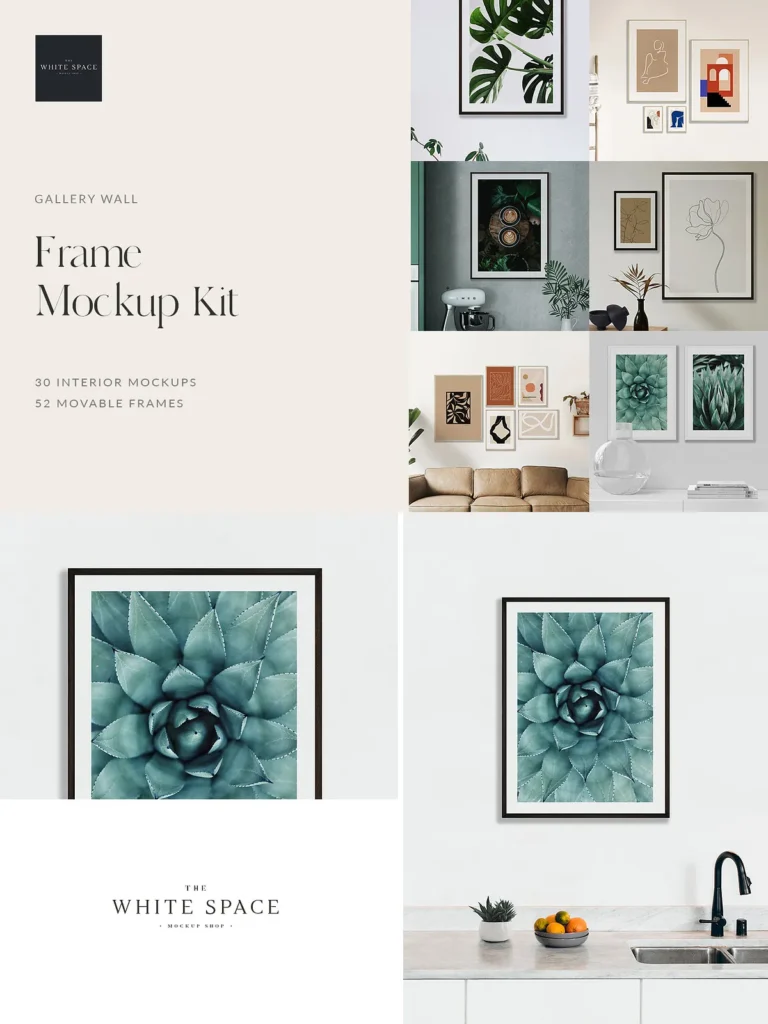
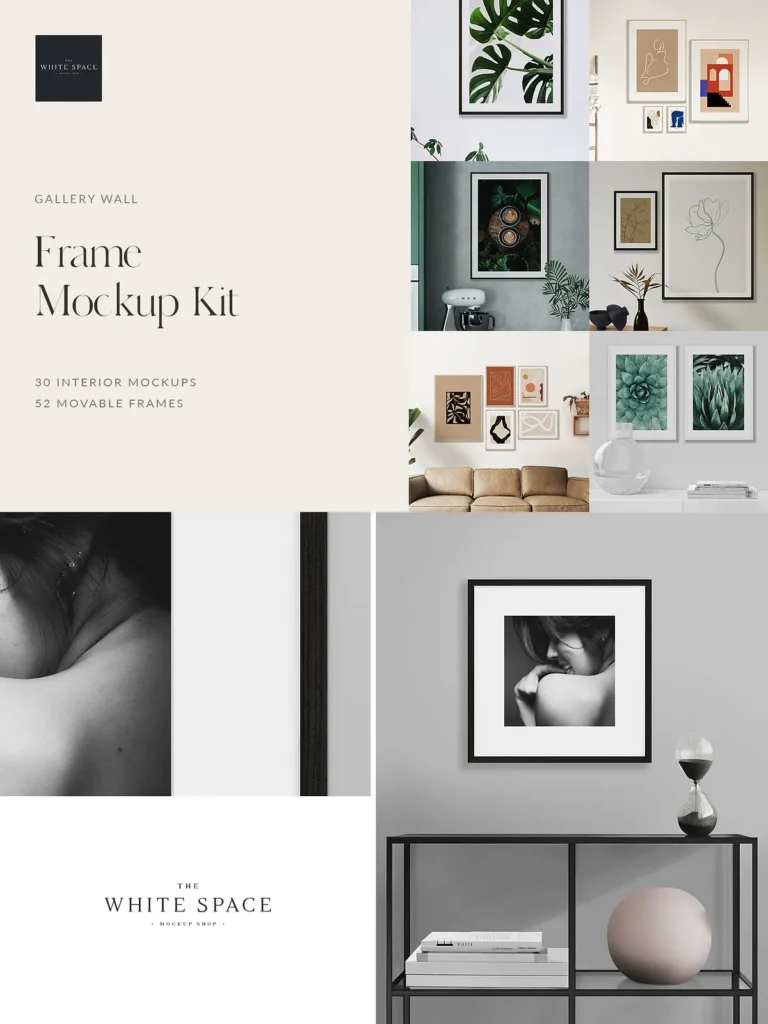
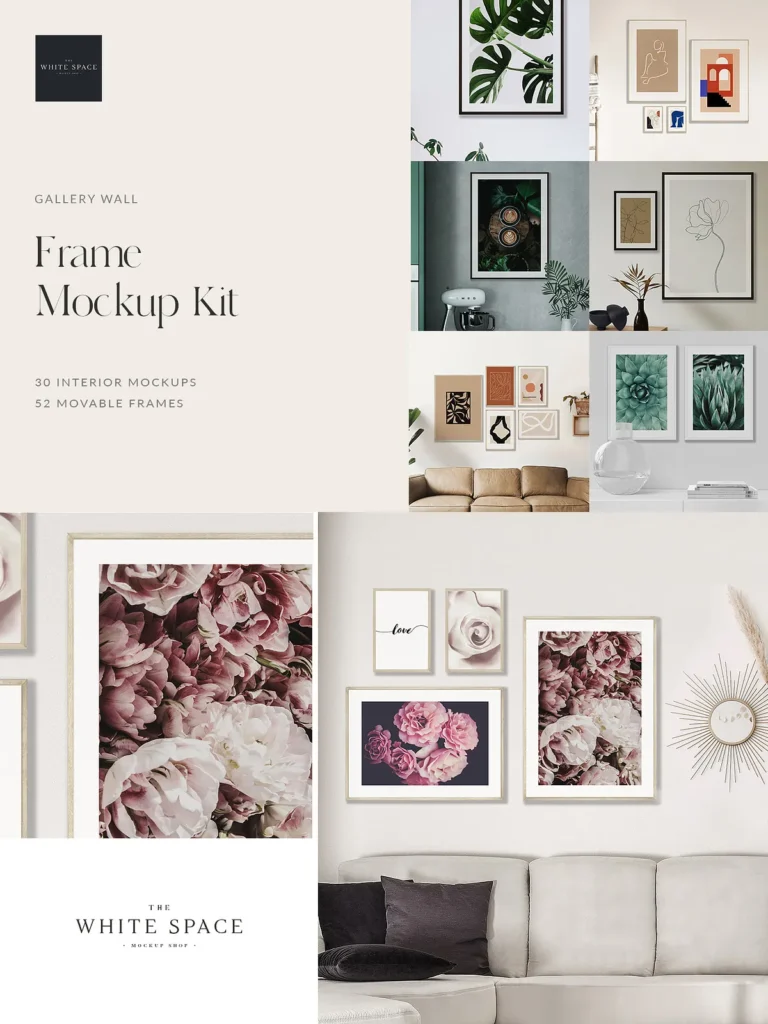
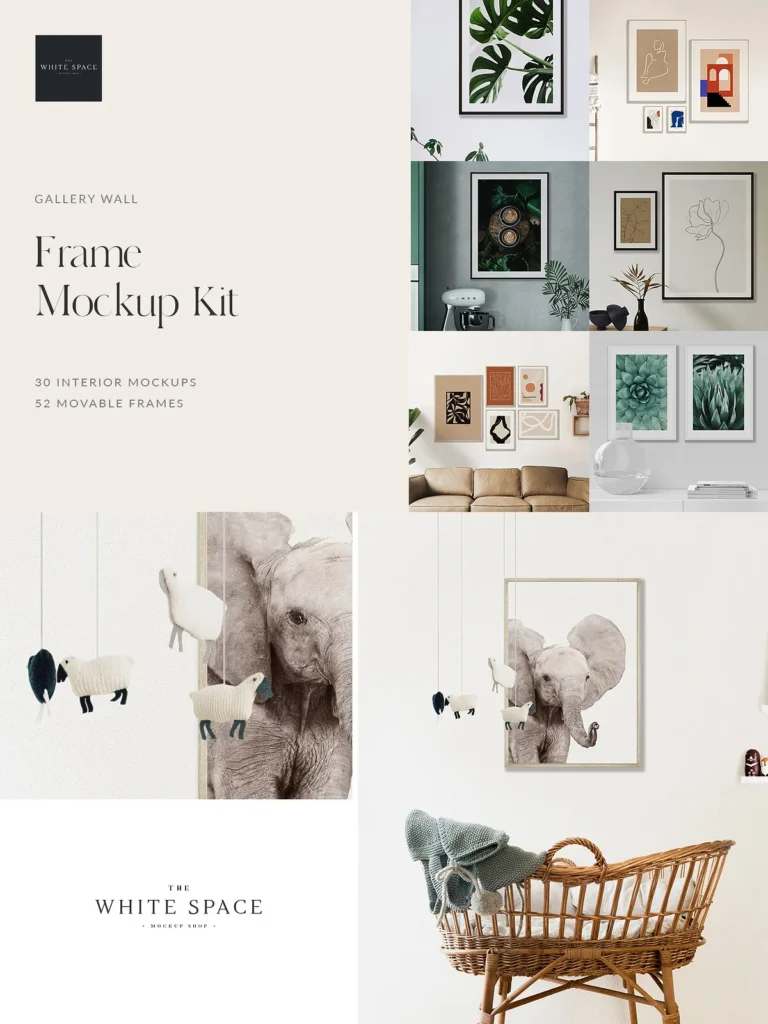
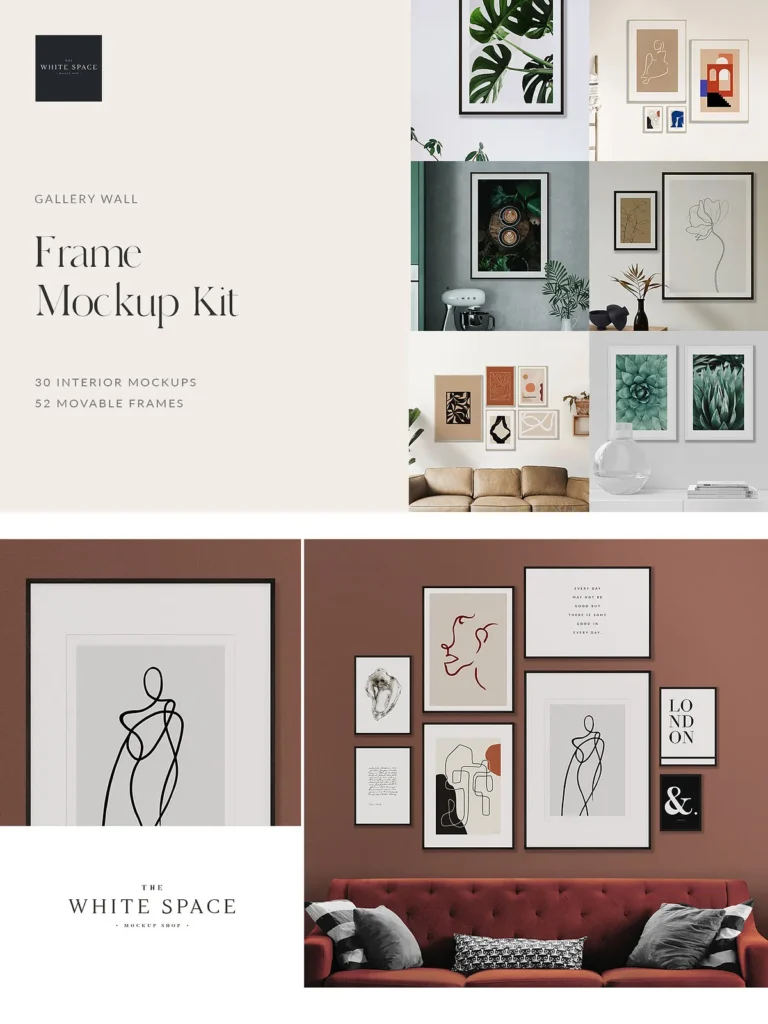
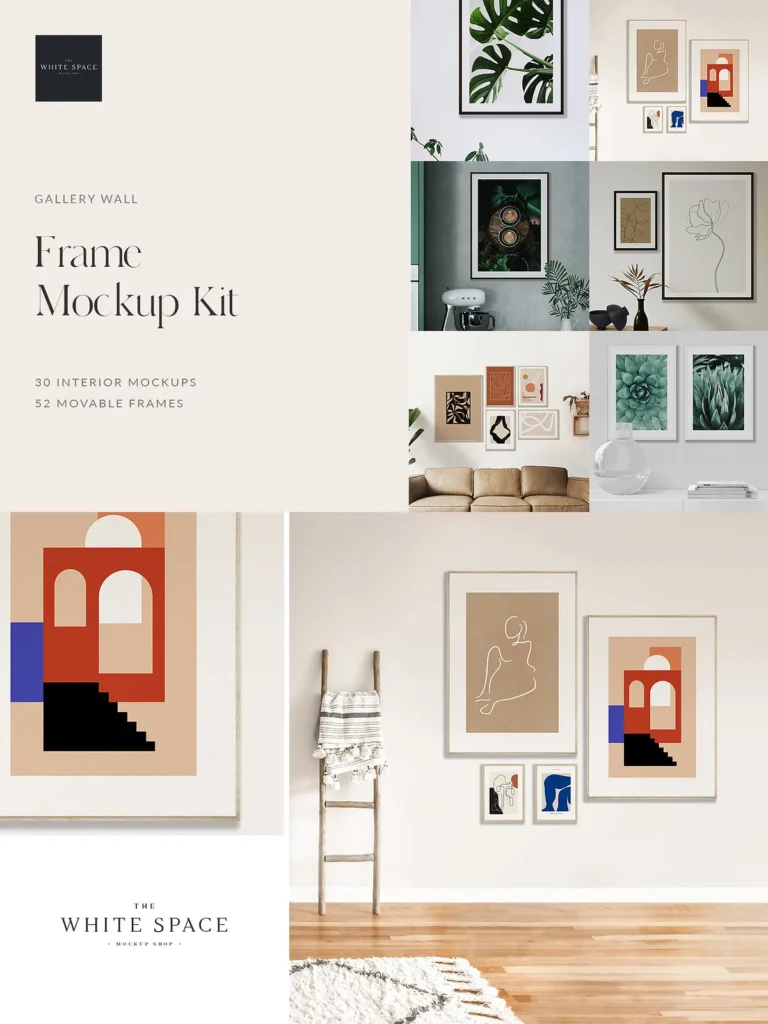
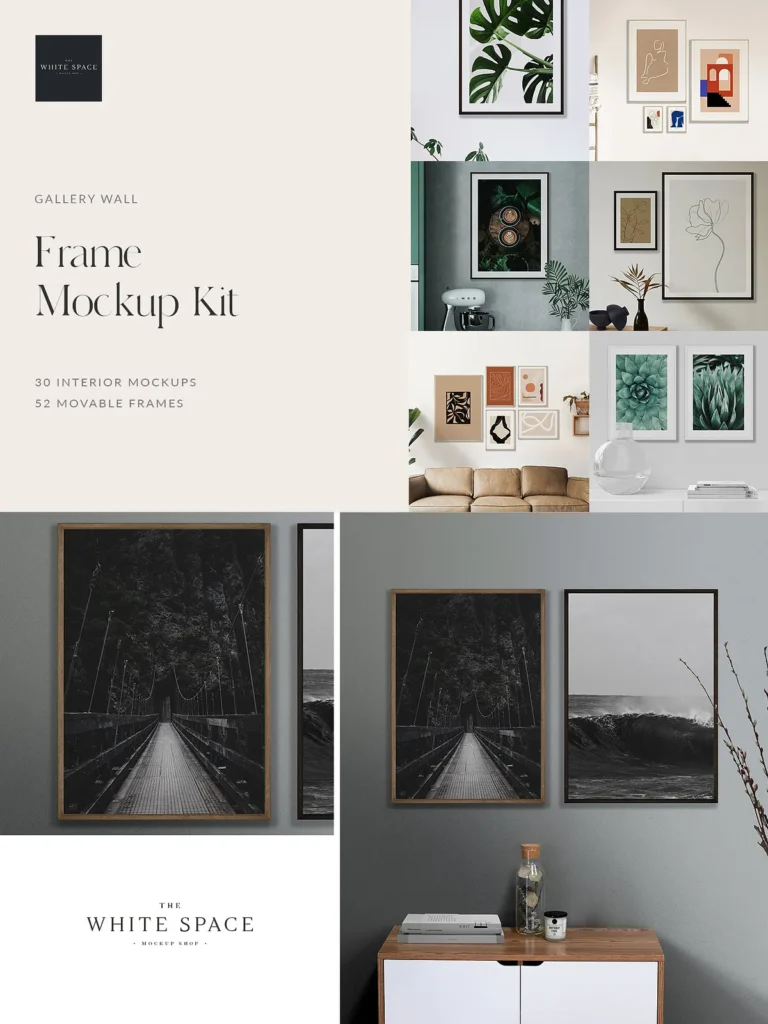
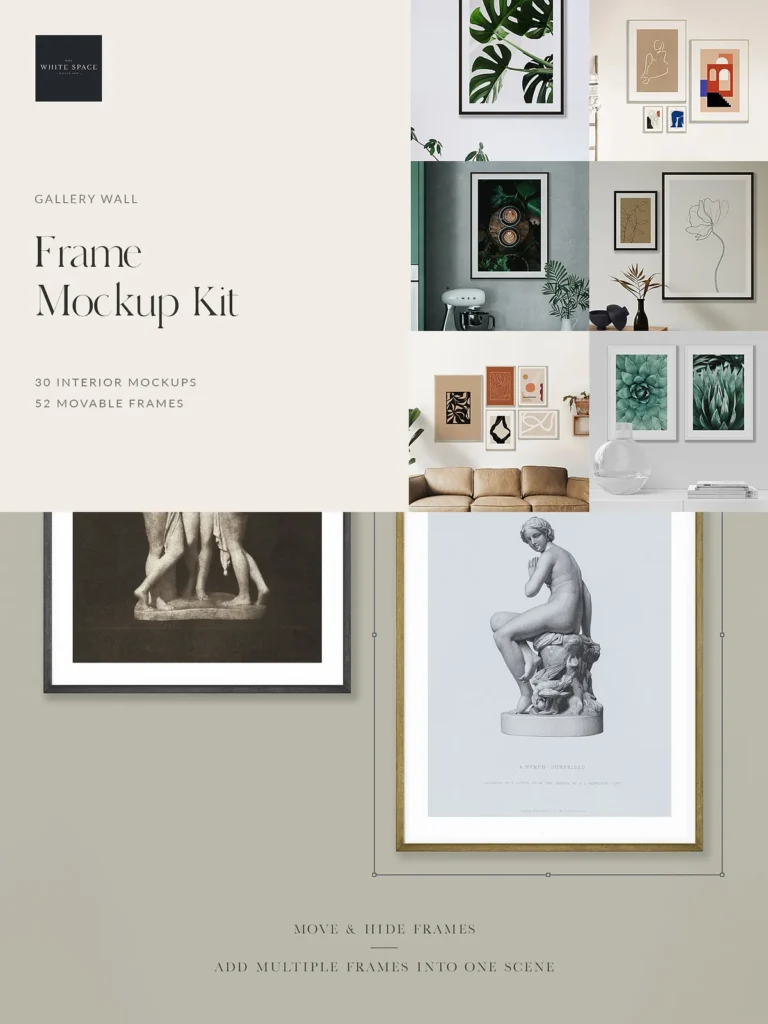
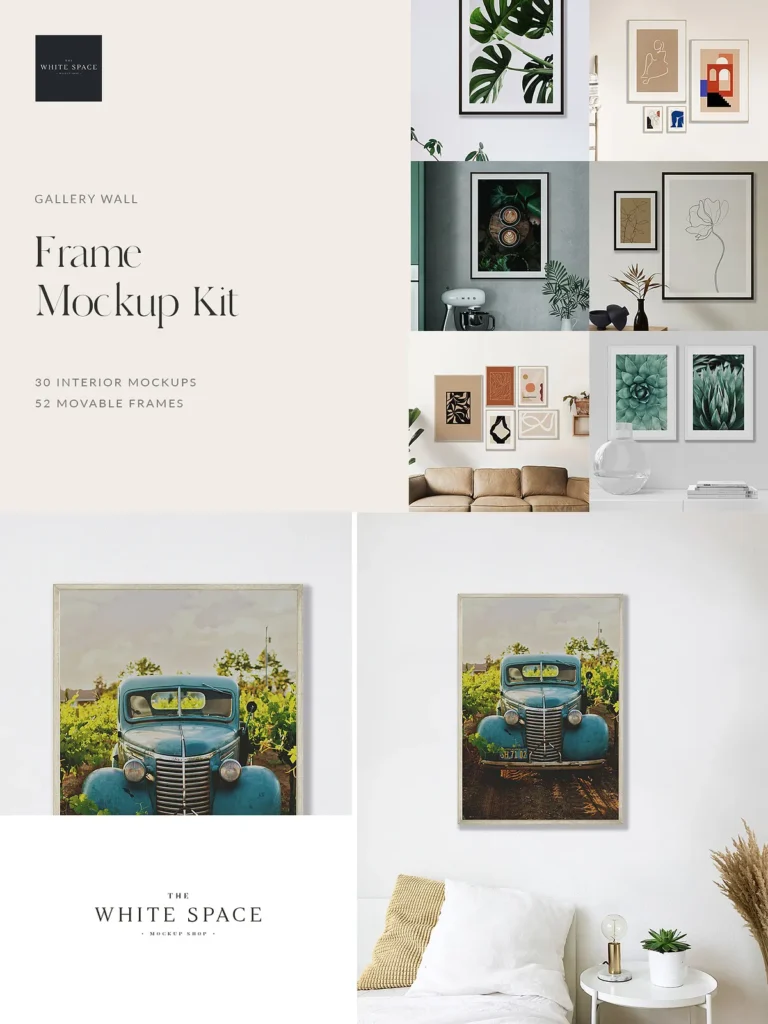
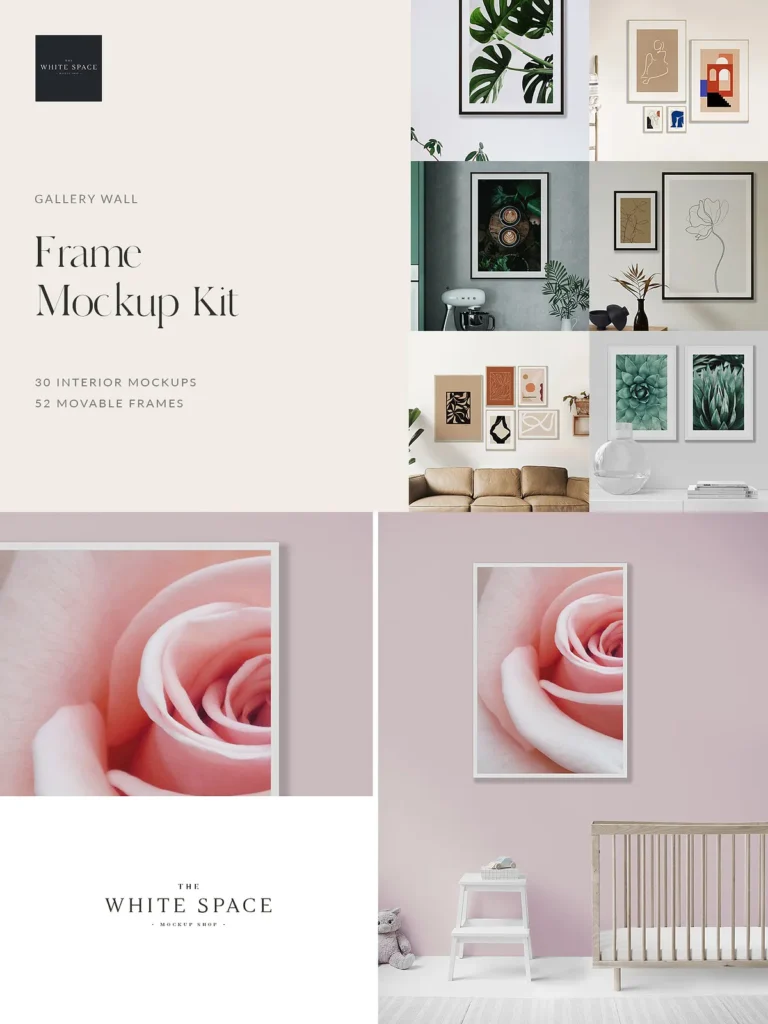
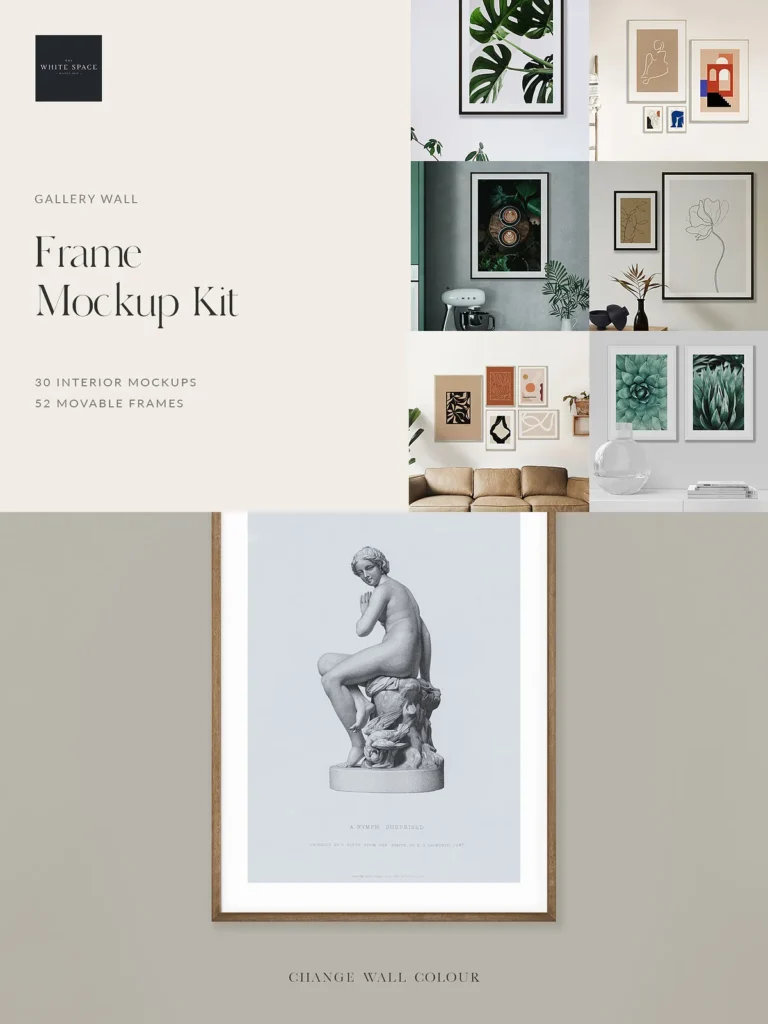
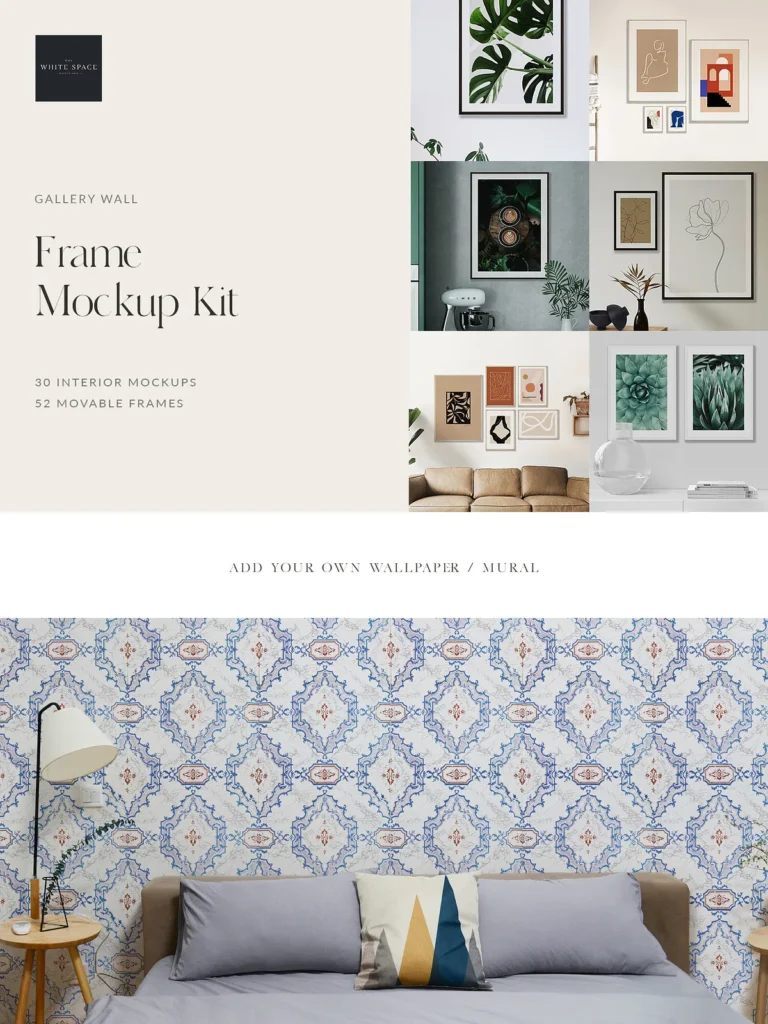
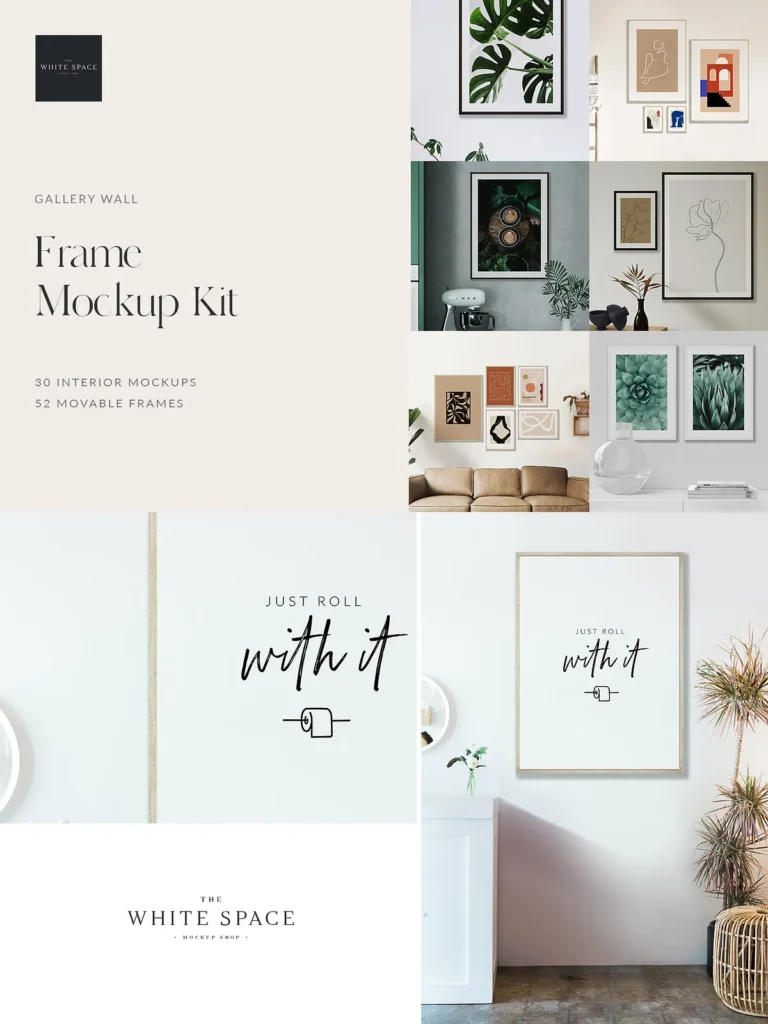
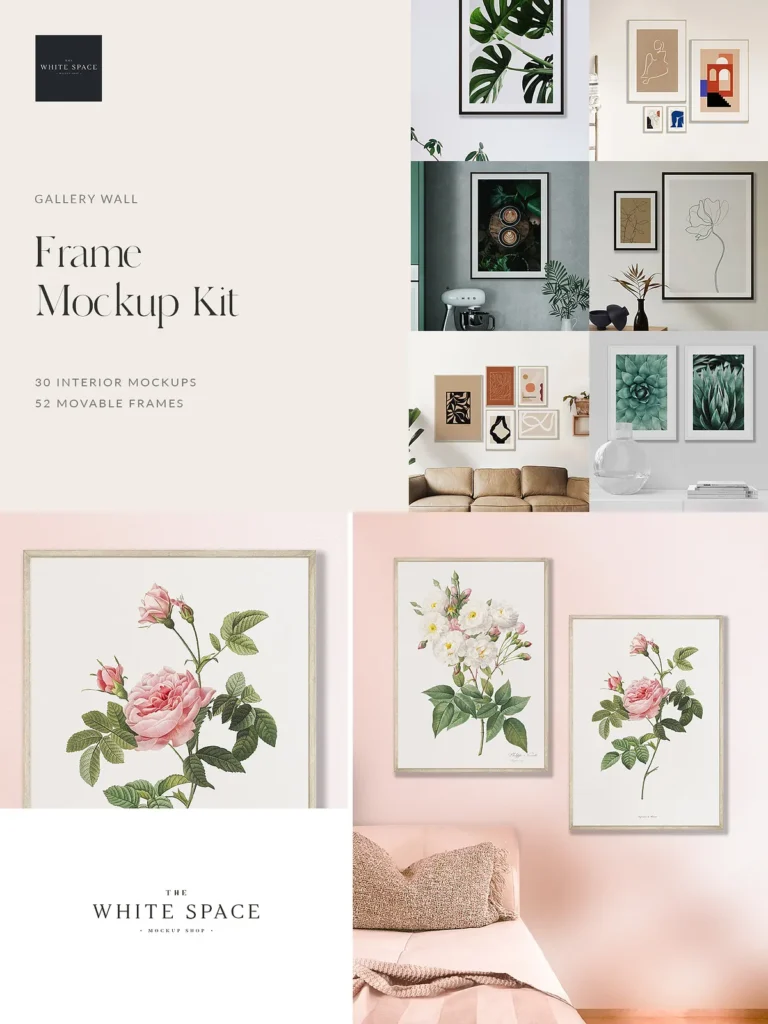
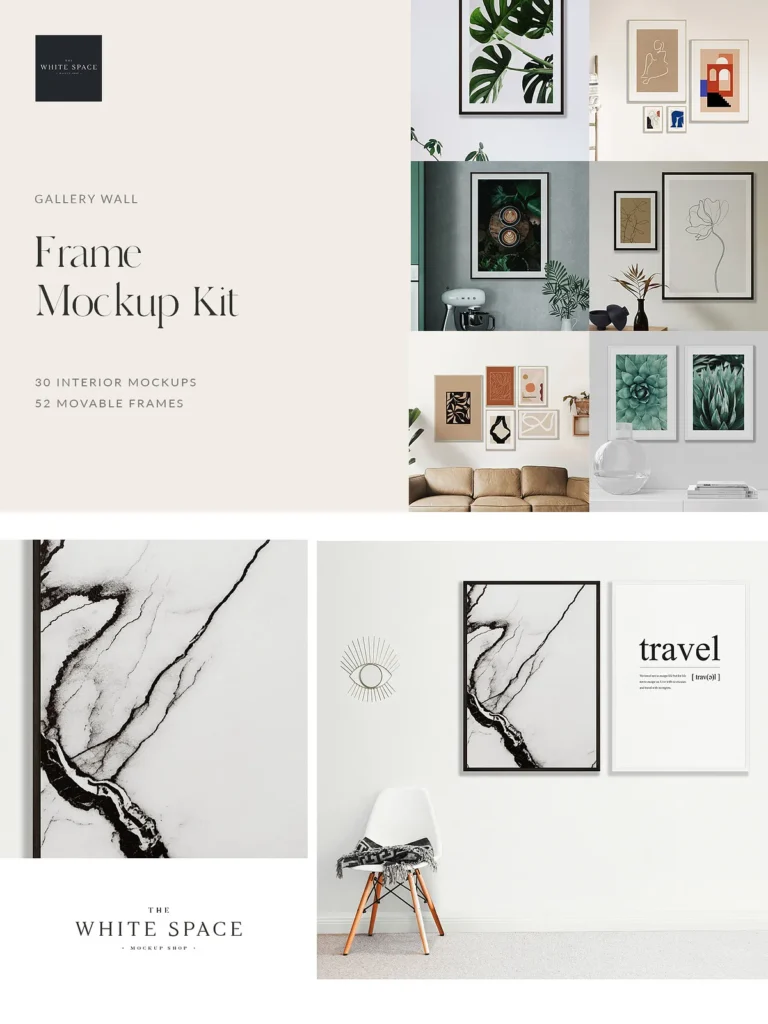
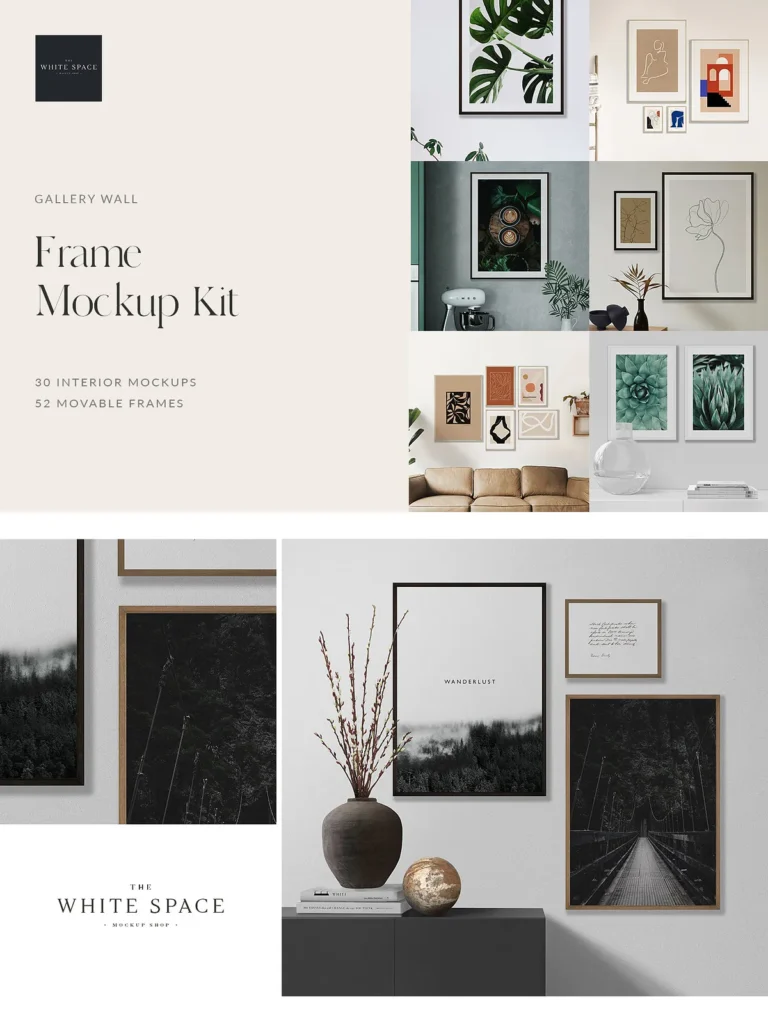
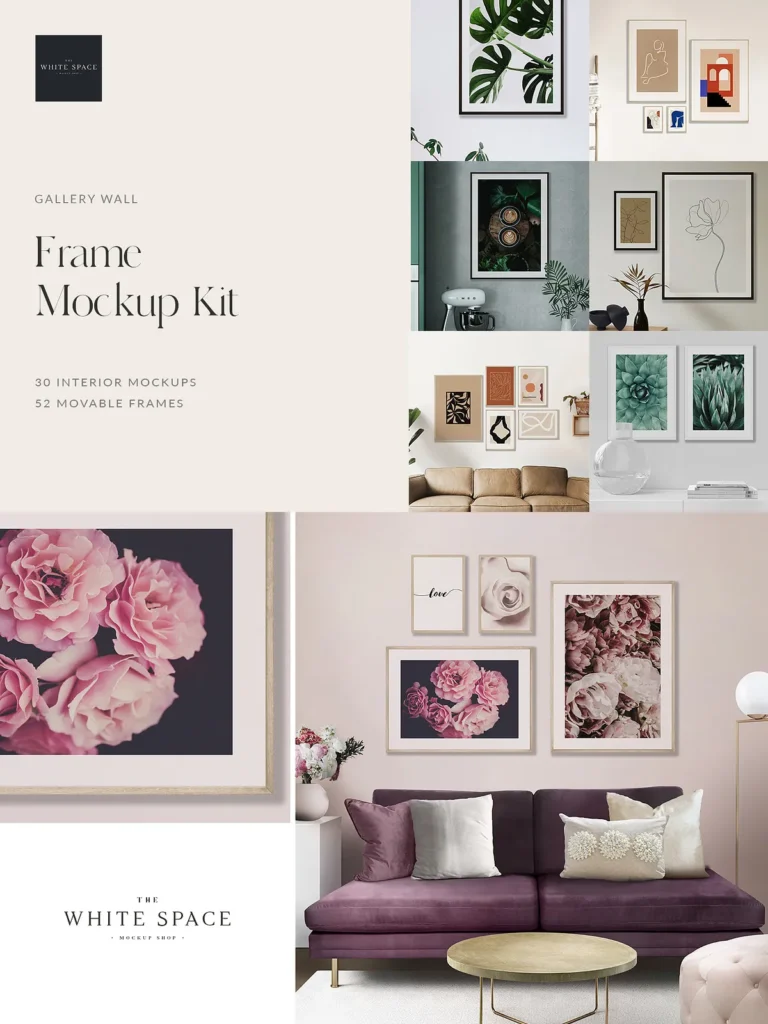
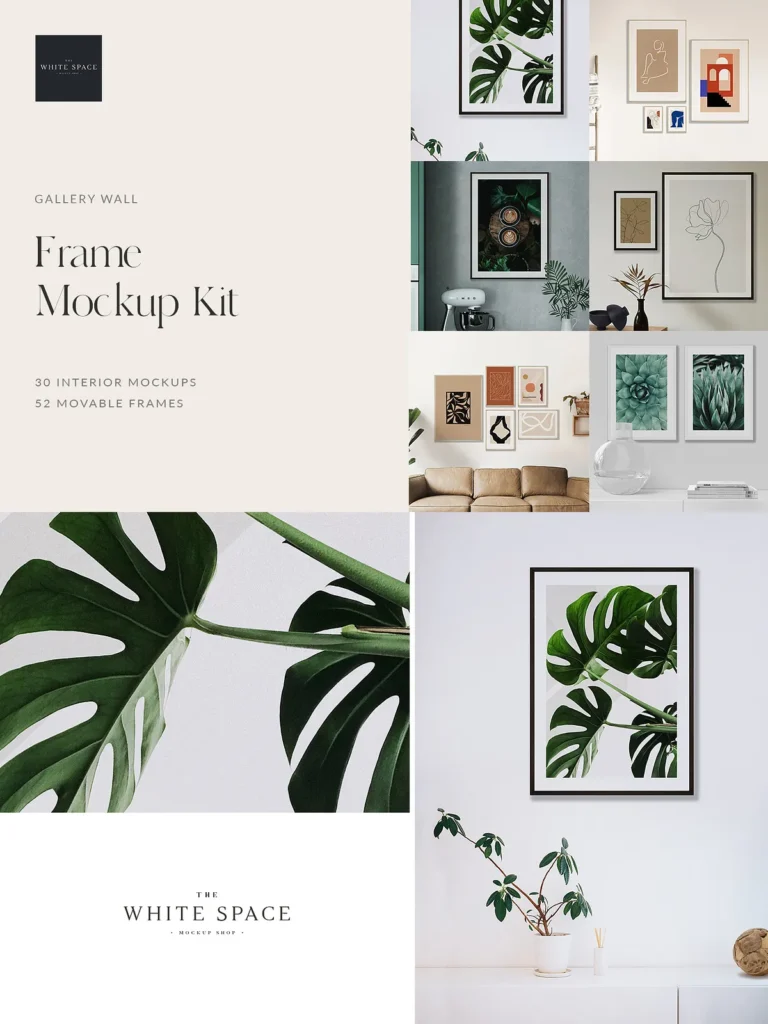
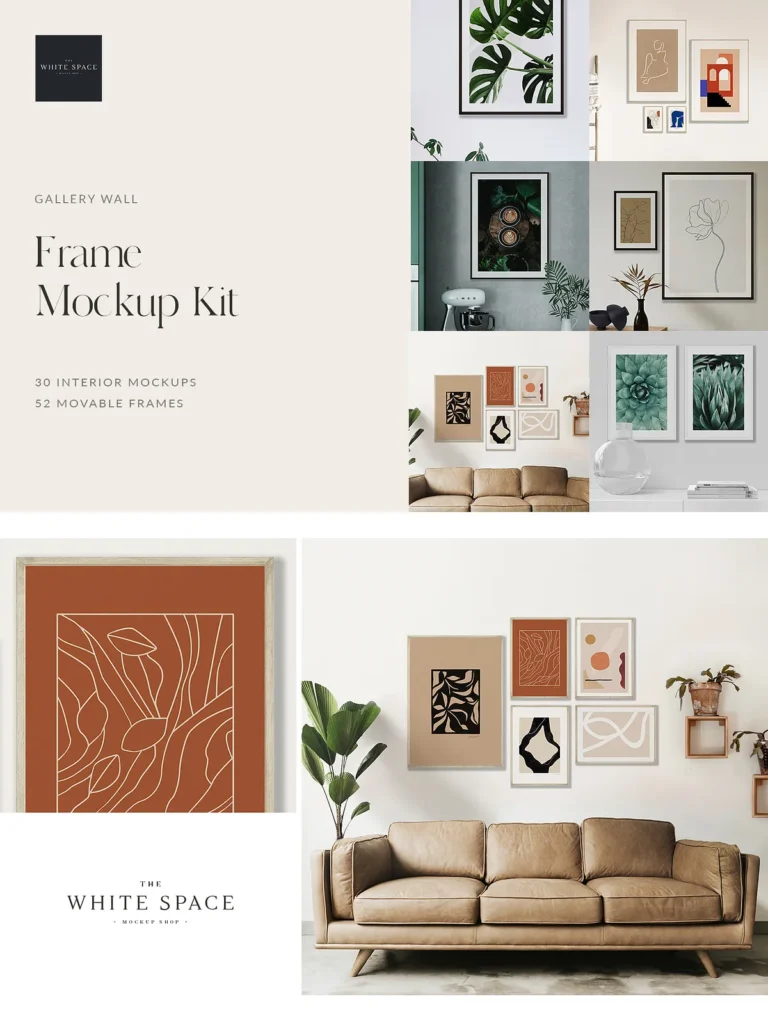
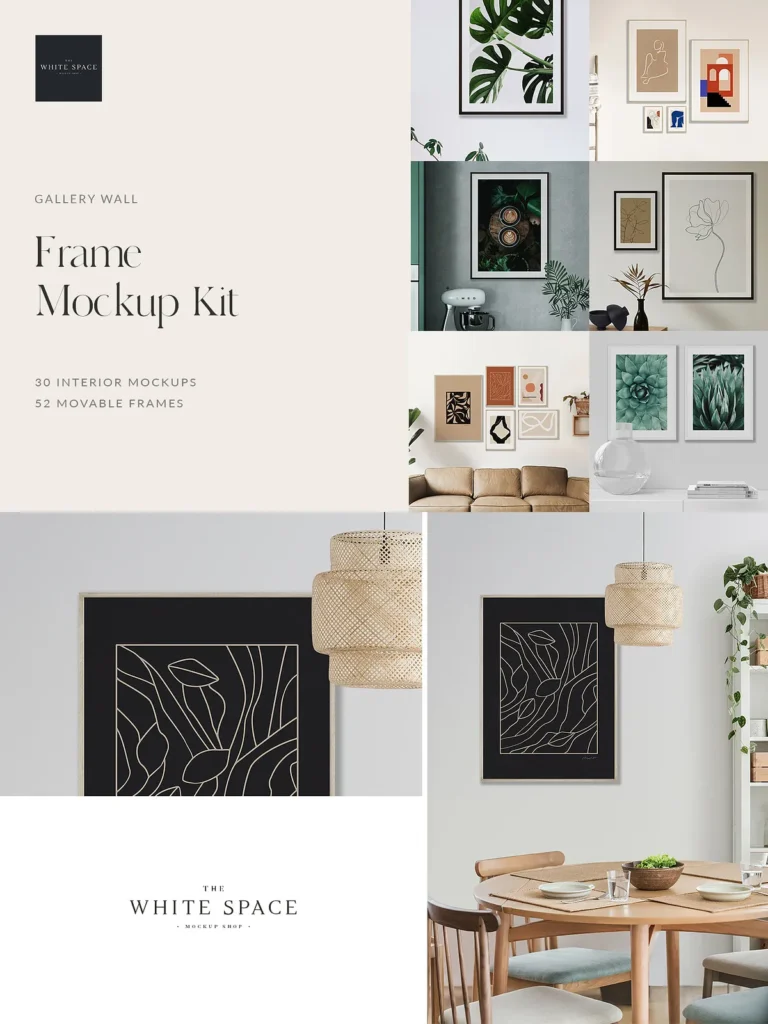
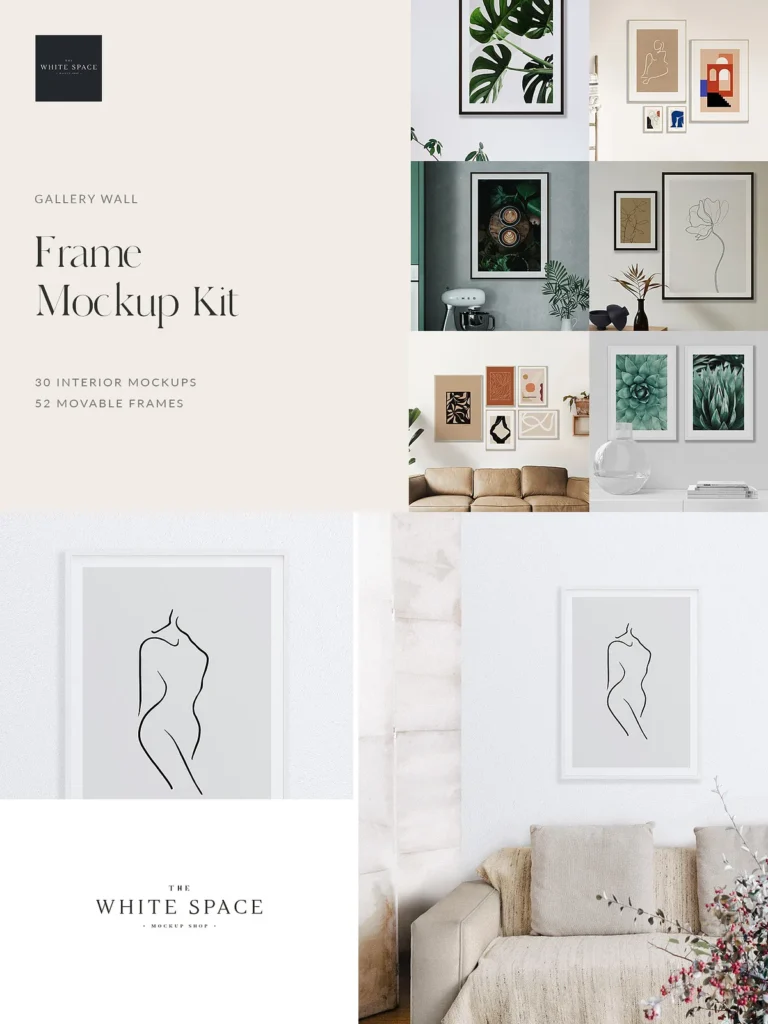
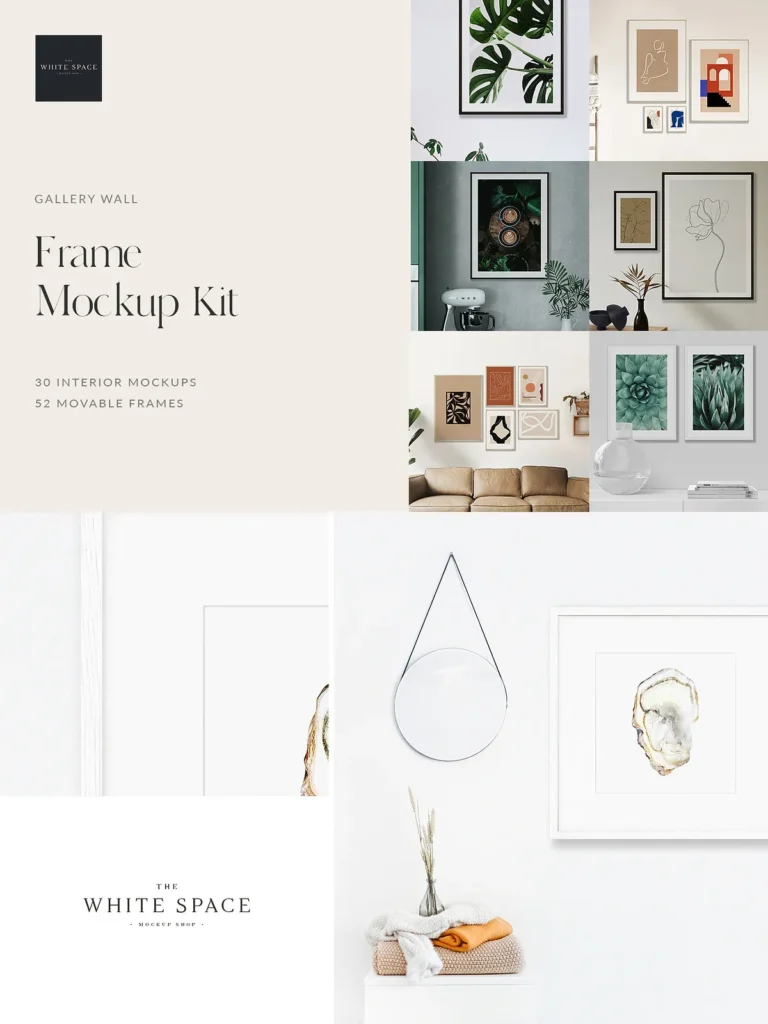
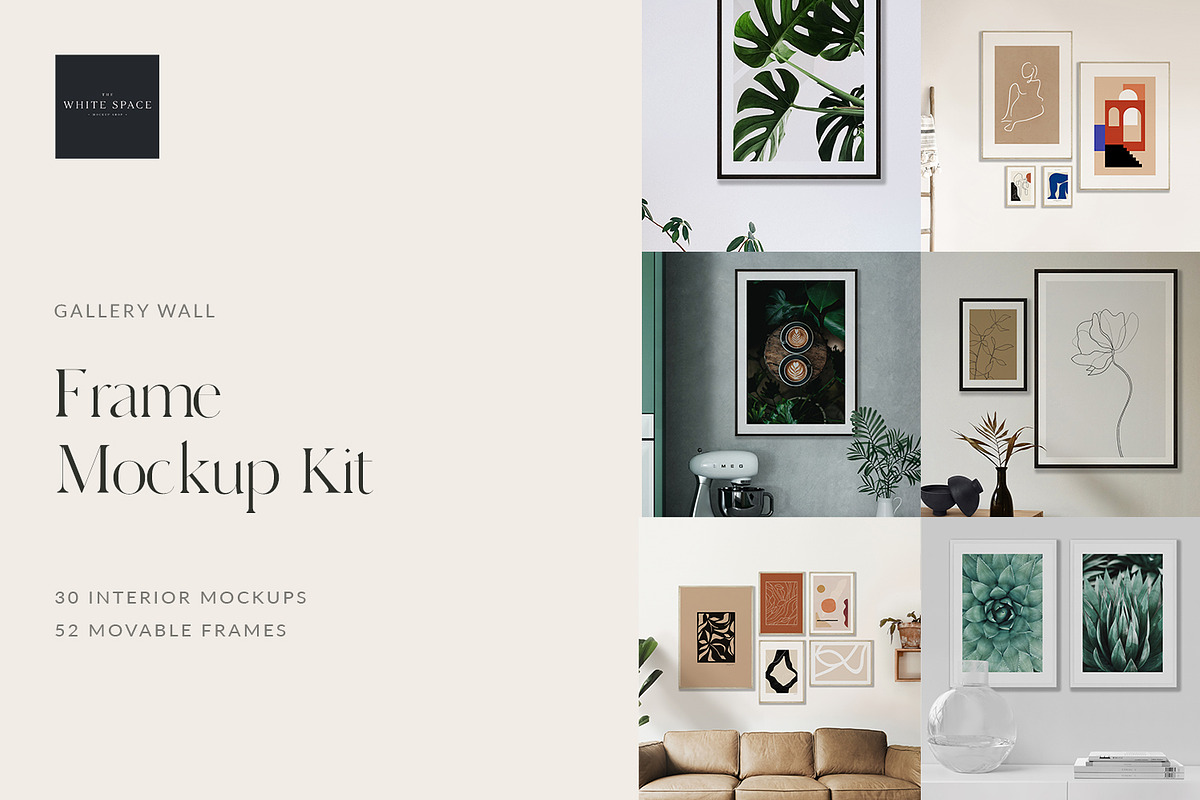
The Frame Mockup Kit – Pro gives you everything you need to create beautiful and professional mockups. The bundle includes 30 interior mockups, 52 different frame sizes and 15 pre-made gallery wall layouts. All of the frames are movable and each has 7 frame finishes to choose from allowing you to create your own unique gallery wall layout for your prints. You can even change the wall colour and add your own wall paper designs! The customizable options and movable objects in this kit give you complete freedom to create your own unique and personalised mockups.
What you’ll get:
30 interior mockups
52 movable frames (including landscape, portrait and square options) + different 7 frame finishes
15 ‘pre-made’ gallery wall layouts (small, medium and large layouts)
Step-by-step Video Tutorial – Includes Photoshop instructions, tips, and tricks to help you get started.
Features:
Works with many standard US and UK image sizes (see below for details)
7 different wood frame finishes – black, white, walnut, birch, oak, mahogany and ash
Editable wall colour
Add your own wall paper / wall mural designs
Ability to toggle the frame mount (passe-partout) on/off
Add any number of frames into a scene and re-arrange them to your liking
Easily insert your artwork using Smart Objects
Scale reference included to adjust the scale of the frames in the interior
Well organised, layered PSD files
Free sample file (Please note that the quality has been reduced for sample purposes). The actual mockup will be of higher quality):
Styled Interior Mockups
You’ll get 30 styled interior mockups with a number of different rooms & styles available including living room, bedroom, dining room, kitchen, bathroom & nursery mockups. All files will come with the same frame layouts as seen in the photos. (Artwork inside the frames are not included and are for presentation purposes only). You’re free to use the mockups as they are or start creating your own layouts using one of the Movable Frames or the Gallery Wall Layouts provided.
Movable Frames
Choose any number of movable frames and drag and drop them into the design file. Simply resize the frame according to the provided Frame-scale-reference layer. All frames can be moved, re-arranged, re-sized and customised to your liking. Choose from one of the four frame finishes (black, white, walnut and birch) and toggle the frame mat on/off. You’ll get 52 different frame sizes:
5 x 7” Portrait, 7 x 5” Landscape
8.5 x 11” Portrait, 11 x 8.5” Landscape
8 x 10” Portrait, 10 x 8” Landscape
10 x 10” Square
8 x 12” Portrait, 12 x 8” Landscape
11 x 14” Portrait, 14 x 11” Landscape
11 x 17” Portrait, 17 x 11” Landscape
12 x 12” Square
12 x 16” Portrait, 16 x 12” Landscape
12 x 18” Portrait, 18 x 12” Landscape
16 x 20” Portrait, 20 x 16” Landscape
16 x 24” Portrait, 24 x 16” Landscape
18×24” Portrait, 24 x 18” Landscape
20 x 30” Portrait, 30 x 20” Landscape
22 x 28” Portrait, 28 x 22” Landscape
22 x 32” Portrait, 32 x 22” Landscape
24 x 30” Portrait, 30 x 24” Landscape
24 x 36” Portrait, 24 x 36” Landscape
A5 Portrait, A5 Landscape
A4 Portrait, A4 Landscape
A3 Portrait, A3 Landscape
A2 Portrait, A2 Landscape
A1 Portrait, A1 Landscape
30 x 40cm Portrait, 40 x 30cm Landscape
50 x 50cm Square
50 x 70cm Portrait, 70 x 50cm Landscape
70 x 100cm Portrait, 100 x 70cm Landscape
100 x 100cm Square
Gallery Wall Layouts
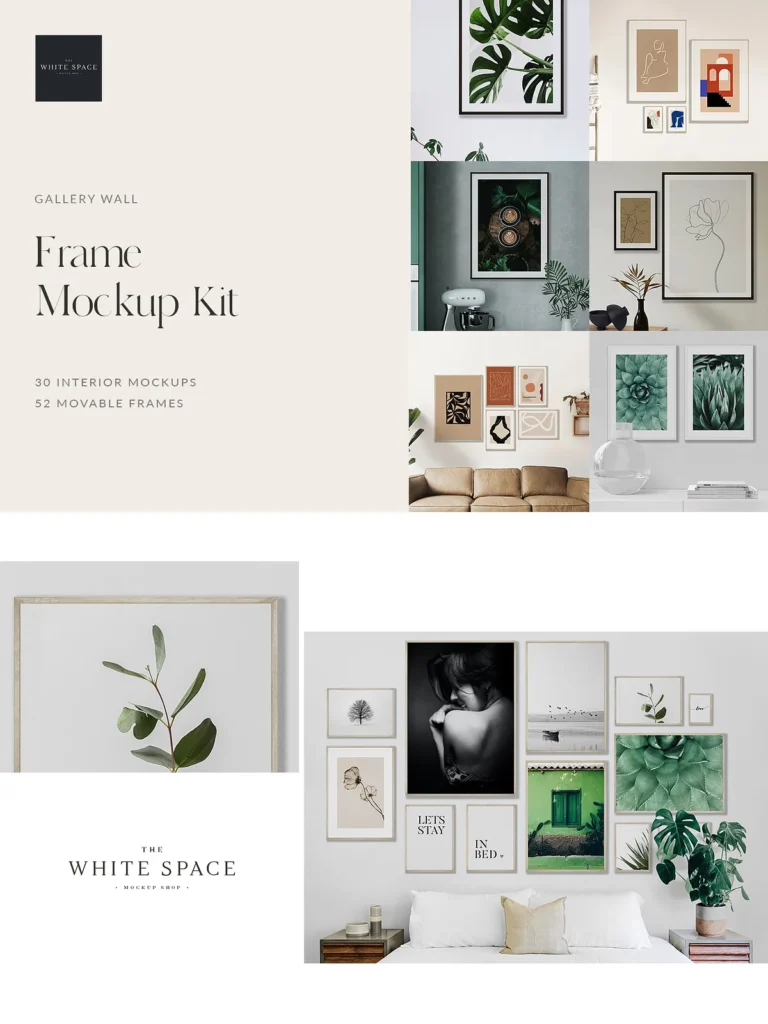
Gallery wall layouts are a great way of showcasing multiple posters and prints in different combinations. As well as the frame layouts seen in the listing images, you’ll get 15 extra ‘pre-made’ gallery wall layouts to choose from – each with a unique layout of different frames. Easily drag and drop your chosen layout into any of the interior mockups to save yourself time or simply use them as a starting point for your own layouts.
Instructions file
You’ll get step-by-step instructions explaining how to use the files and make customizations in Photoshop.
What’s included in the download?
You’ll get 2 PDF’s in your download, one containing the download links and one with instructions.
Instructions file
Google Drive Download links (zipped files)
Each Interior-Mockup file includes:
1 (.psd) layered Photoshop file
1 JPEG file with frames
1 JPEG file with an ‘empty’ wall
1 PNG file with cut-out transparent frame background
Each Movable-Frame file includes:
1 (.psd) layered Photoshop file with customisable layers
14 JPEG’s (including different frame finishes and mat options)
14 PNG’s (including different frame finishes and mat options)
Each Gallery-Wall-Layout file includes:
1 (.psd) Photoshop file with an arrangement of movable frames
Please note:
This Frame Mockup Kit has been tested in Photoshop CS3+ and Affinity Photo. Individual PNG files are included which will work in Canva (although you will not be able to change the wall colour and wallpaper in Canva). If you’re not sure if this will work in your design program, please message me before purchasing – I’d be happy to send you a free sample-file which you can test for yourself.
Please make sure that your internet allows you to download large files .
Please message me if you have trouble downloading or using your files. I’m more than happy to help!
Images and artwork inside the frames are used for presentation purposes only.
If you are unsure of anything, please message me first before buying. I’d be happy to answer any questions. Thank you!