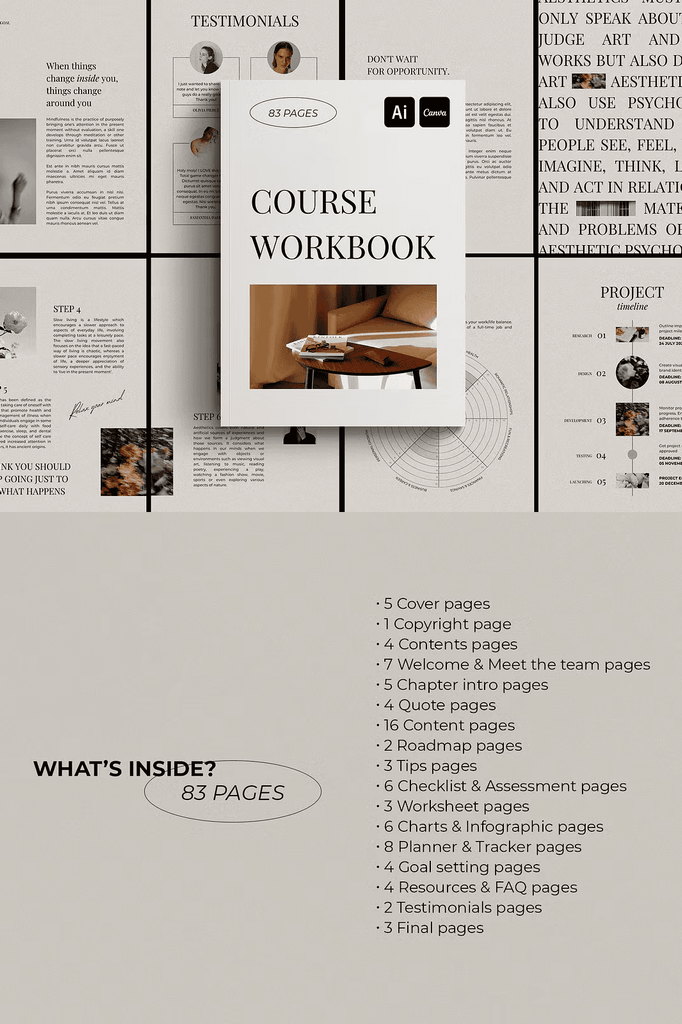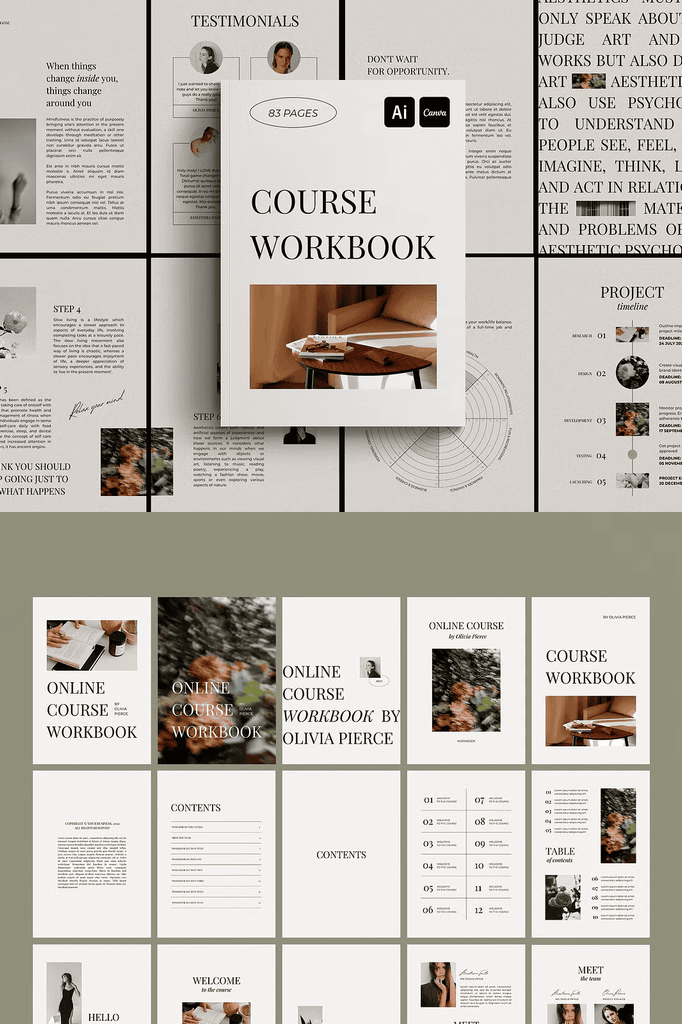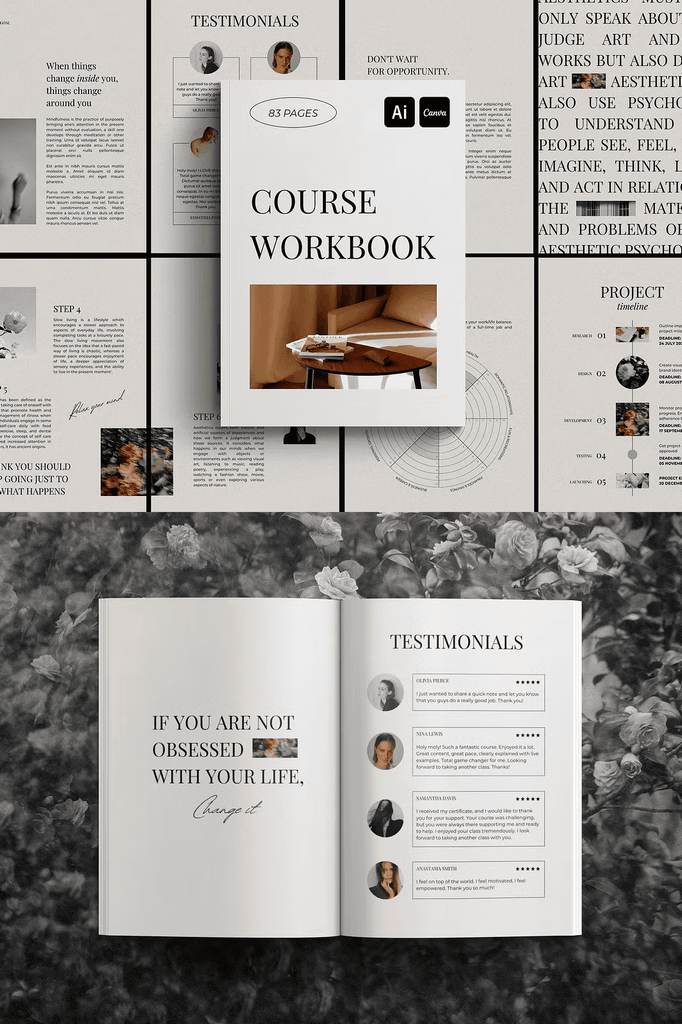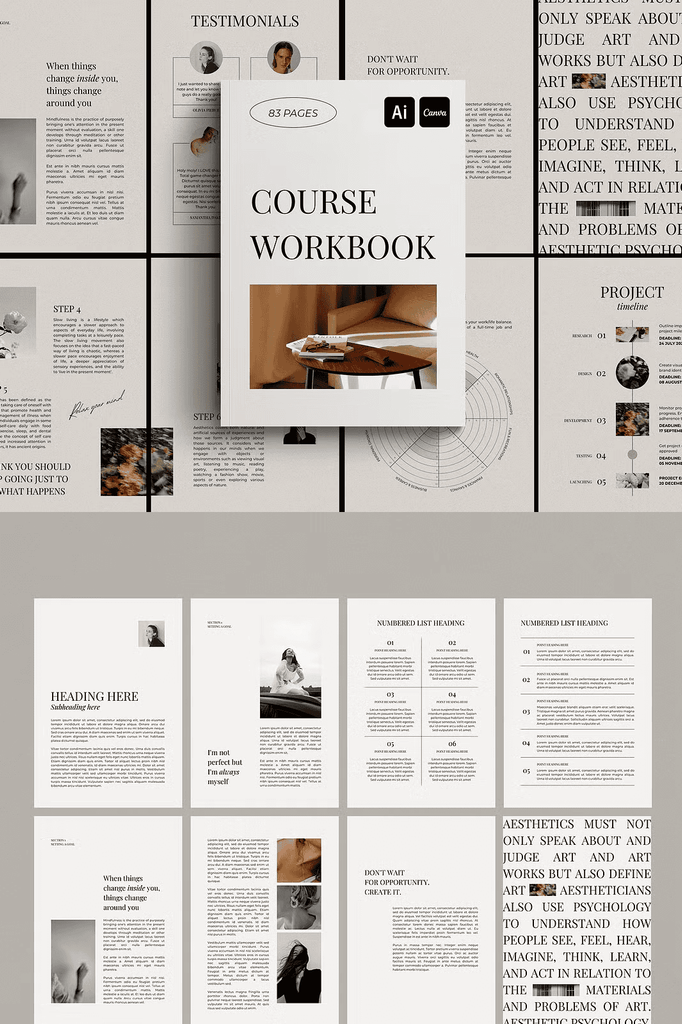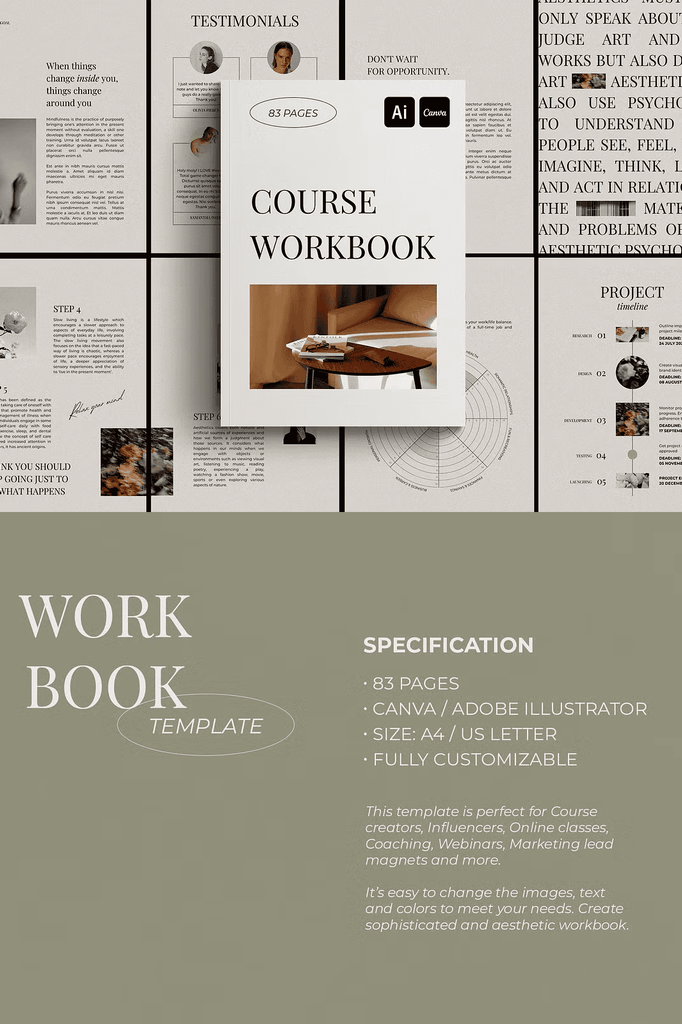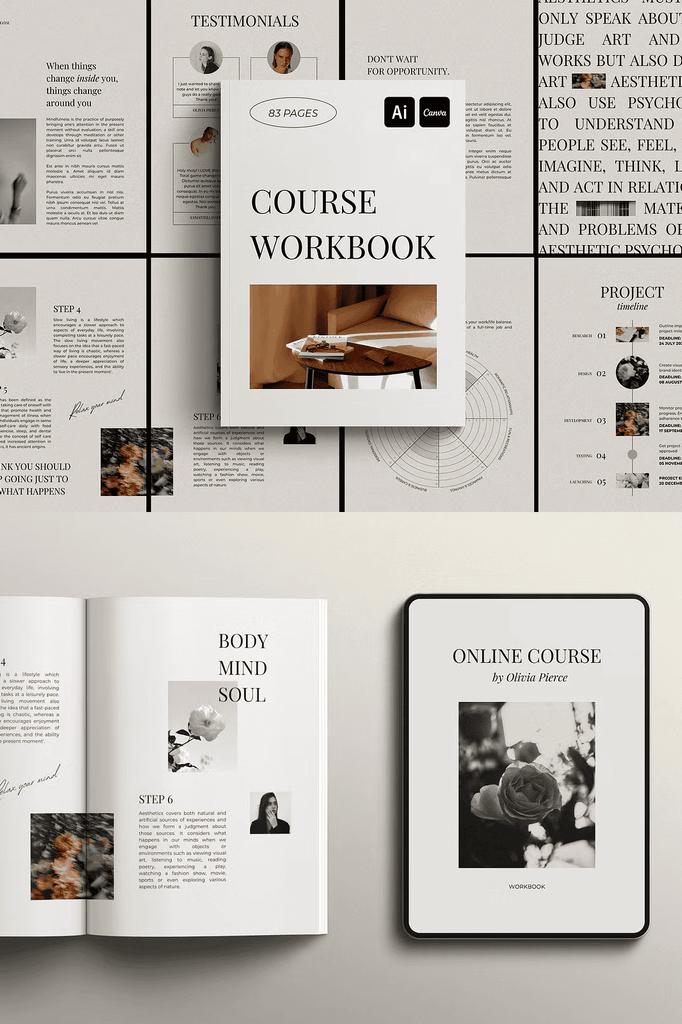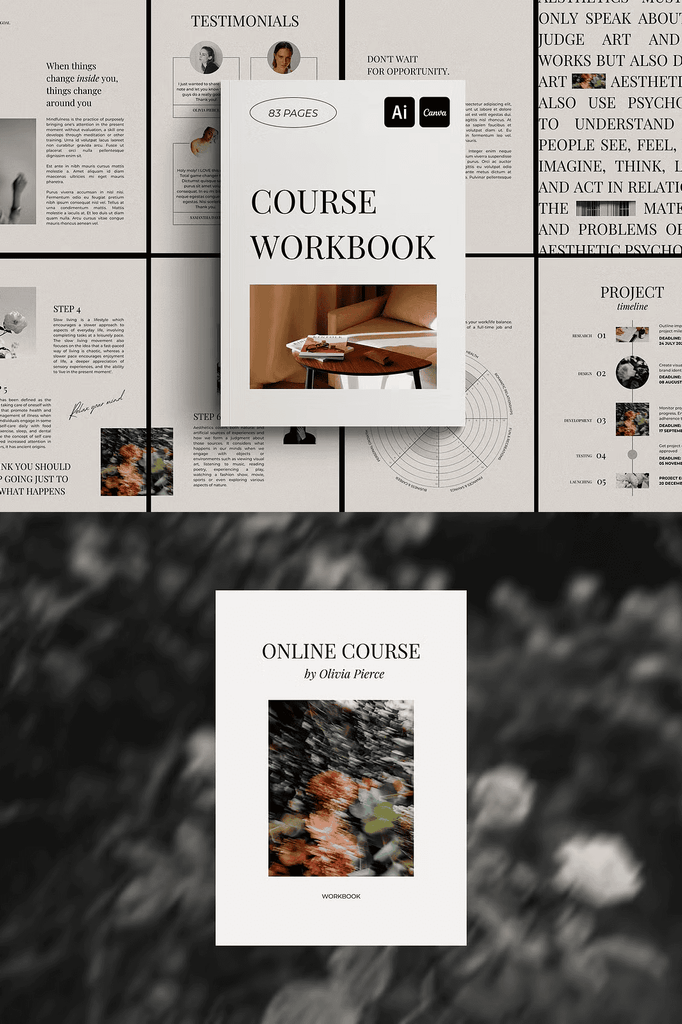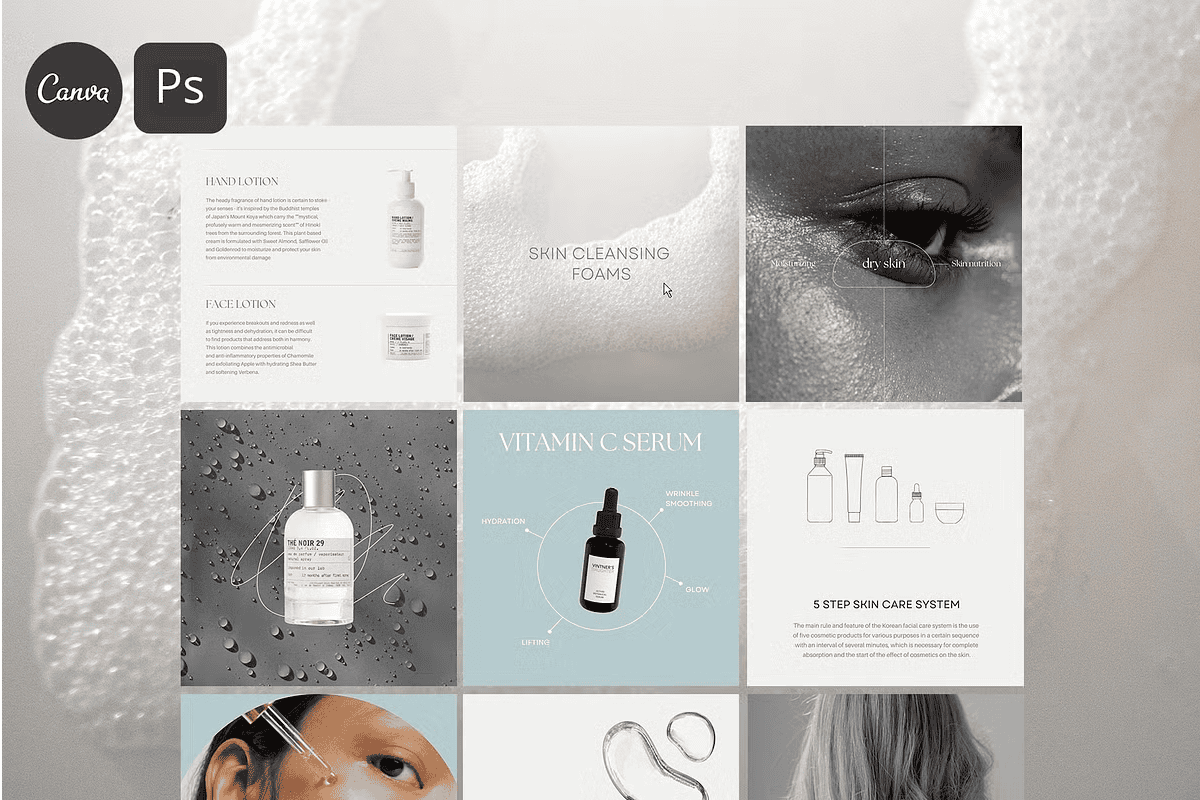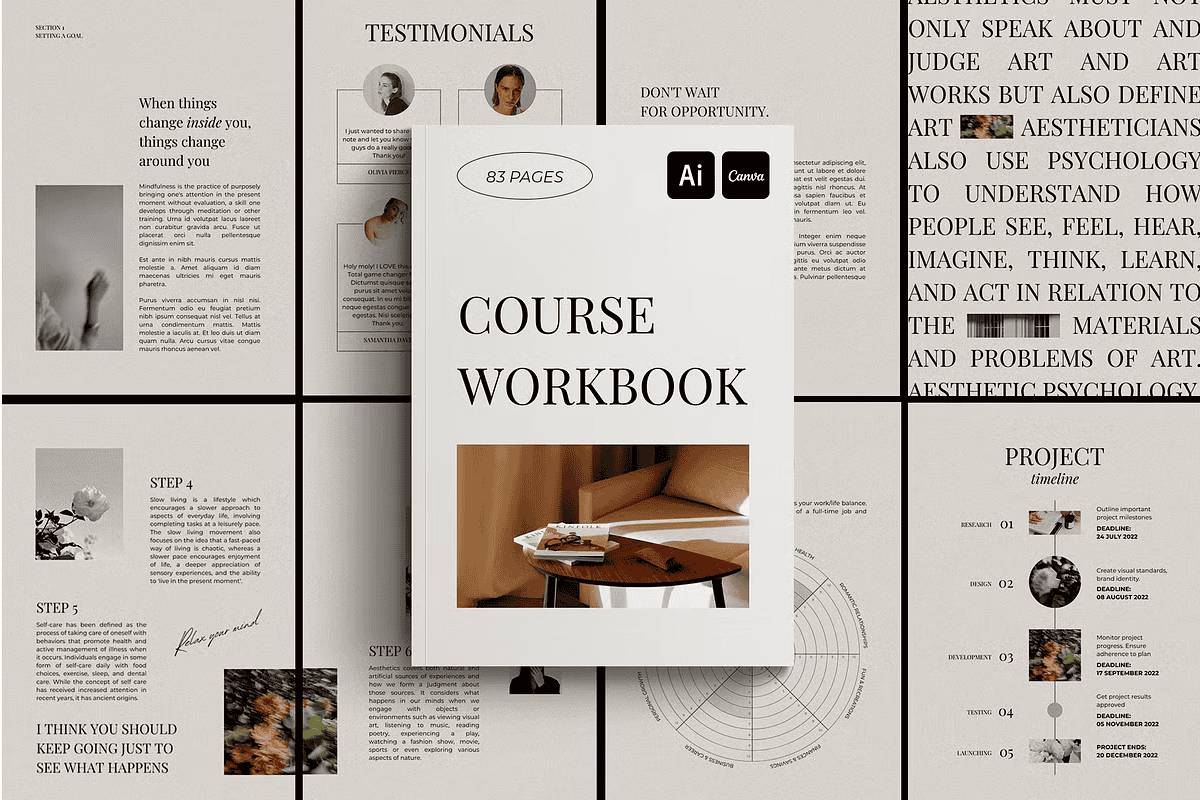
This workbook template is accurately made to create beautiful, sophisticated designs. It helps promote your passion projects and is perfect for course creators, influencers, online classes, coaching, webinars, marketing lead magnets, and more. It is easy to change the images, text, and colors to meet your needs. Enjoy the process and creative flow.
Whether you design for clients or create personal projects, this template gives you a professional foundation for your coaching and course materials.
Why a Professional Workbook Template Saves Time
Creating a workbook from scratch takes hours of layout and design work. A professional template removes that burden entirely. As a result, you can focus on your content and your students.
Moreover, a polished workbook signals professionalism and builds trust with your audience. In addition, the structured page layouts ensure your content flows logically from start to finish. Consequently, your students stay engaged and complete your program.
Specifications of This Workbook Template
- 83 pages
- Compatible with Canva and Adobe Illustrator 2020
- Size: A4 and US Letter
- Fully customizable
Every page is prepared for immediate use. The dual-platform compatibility means you can work in the software you already know. As a result, this template suits beginners and experienced designers alike.
Inside the 83-Page Workbook
- 5 cover pages
- 1 copyright page
- 4 contents pages
- 7 welcome and meet the team pages
- 5 chapter intro pages
- 4 quote pages
- 16 content pages
- 2 roadmap pages
- 3 tips pages
- 6 checklist and assessment pages
- 3 worksheet pages
- 6 charts and infographic pages
- 8 planner and tracker pages
- 4 goal setting pages
- 4 resources and FAQ pages
- 2 testimonials pages
- 3 final pages
This comprehensive structure covers every element a professional workbook requires. From introductions to assessments, nothing is left out. As a result, your workbook feels complete and polished.
Perfect Uses for This Workbook Template
- Online courses and masterclasses
- Coaching programs and group sessions
- Webinars and workshops
- Marketing lead magnets
- Membership and community content
- Workbooks and worksheets
- Planners and goal-setting guides
- Course companion materials
- Digital product downloads
- Corporate training and development
Whether you create a course workbook, a coaching guide, or a lead magnet, this template adapts to your needs.
Not Included in This Template
- Stock photos are for presentation purposes only, sourced from Pexels and Unsplash
- No pre-written content is included
- No presentation slides and magazine mockups
These notes ensure you know exactly what to expect before purchase. As a result, you can plan your content and imagery accordingly.
How to Use in Canva
- If you do not have one, create an account on www.canva.com. It is free.
- This template works for both Free and Pro Canva users.
- Download the PDF, and open the link that directs you to the template.
- Start editing by customizing images, colors, and texts.
The process is fast and intuitive. As a result, you can produce a professional workbook in hours rather than days.
Download the Workbook Template Today
This template combines 83 pages, Canva and Adobe Illustrator compatibility, and full customization in one comprehensive package. It gives course creators, coaches, and influencers everything needed to build beautiful, sophisticated workbooks.
Download this Workbook Template today and start creating polished coaching materials that engage your audience, showcase your expertise, and grow your business. You may also like the matching Online Course Social Media Kit for a complete, cohesive brand presence.